EasyManua.ls Logo

247Security mDVR303 - Preparation for Use; Front Connectors; 10;100 Base-T Lan Connector; Usb 2.0 Connector

Default Icon
53 pages
Print Icon
To Next Page IconTo Next Page
To Previous Page IconTo Previous Page
Loading...
247Security Inc. | 4400 North Point Parkway, Suite # 158, Alpharetta, GA 30022, USA | 1-866-693-7492 | www.247securityinc.com
mDVR303
USERS MANUAL
10
2. PREPARATION FOR USE
2.1. FRONT CONNECTORS
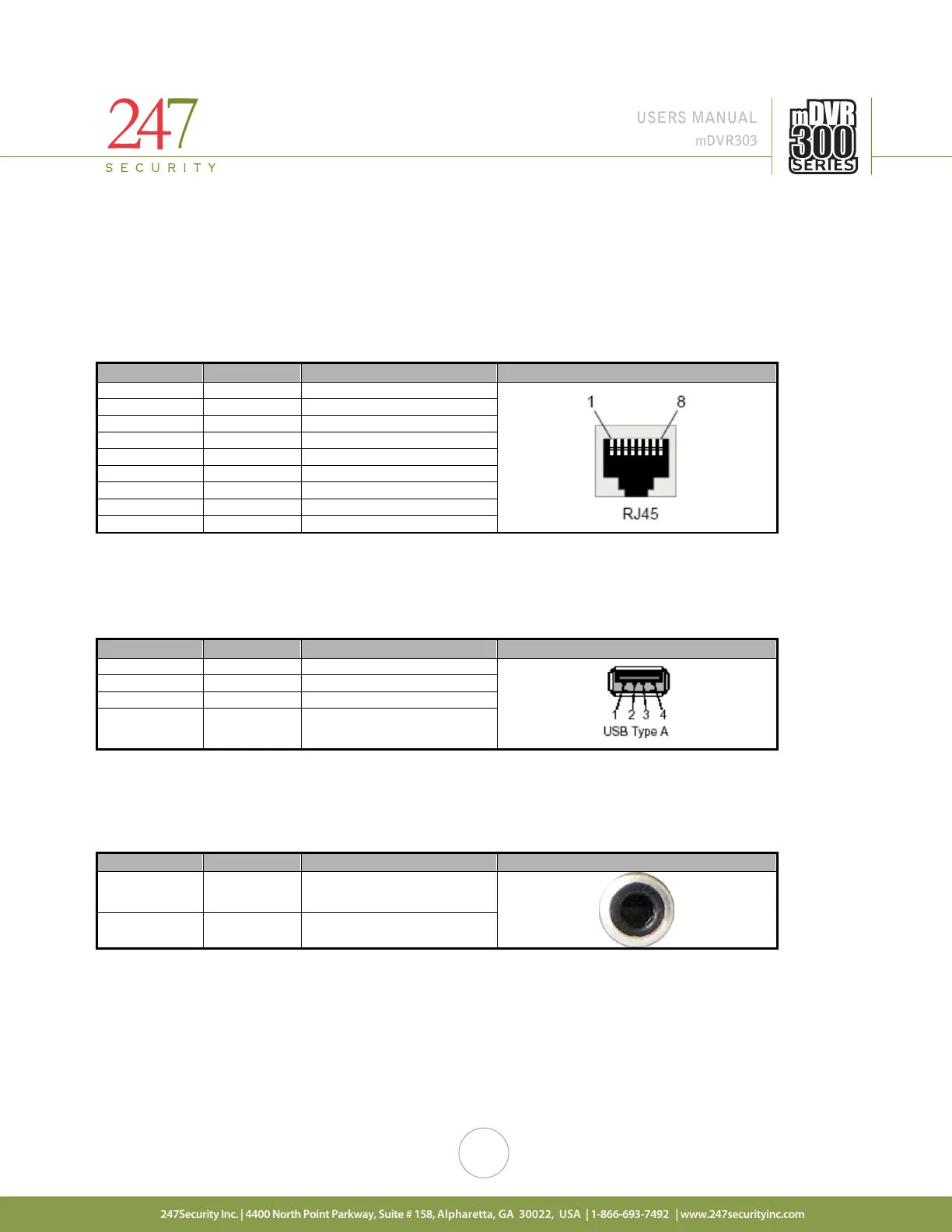
2.1.1. 10/100BASE-T LAN CONNECTOR
The RJ45 port allows access to the DVR from your laptop / computer using the included cross over cable.
This port is labeled as LAN and has a default static IP address of 192.168.1.100.
Pin Number
Signal
Description
Pin out
1
TX+
Transmit Data +
2
TX-
Transmit Data -
3
RX+
Receive Data +
4
RX-
Receive Data -
5
NC
Not connected
6
COM
Common
7
COM
Common
8
COM
Common
9
COM
Common
2.1.2. USB 2.0 CONNECTOR
Connector type: 4-pin friction-lock header
2.1.3. AUDIO OUT CONNECTOR
Connector type: RCA Jack
Pin Number
Signal
Description
Pin out
Inside Audio Audio Signal
Outside GND Ground
Pin Number
Signal
Description
Pin out
1
VCC
Cable Power +5 V
2
-Data
Balanced Data Line -
3
+Data
Balanced Data Line +
4 GND Cable Ground

Table of Contents

Related product manuals