247Security Inc. | 4400 North Point Parkway, Suite # 158, Alpharetta, GA 30022, USA | 1-866-693-7492 | www.247securityinc.com
mDVR303
USERS MANUAL
26
Similarly, Post-Lock Time is the time that occurs after the “event time”. For instance a value of 60 entered
in Post-Lock will mark the file to stop at 12:01pm. Therefore, you have a marked video file that starts from
11:59am until 12:01pm. The mDVR303 allows the end-user to set the Pre-Lock and Post-Lock up to 600 seconds
(10 Minutes). Values entered into these boxes are in seconds.
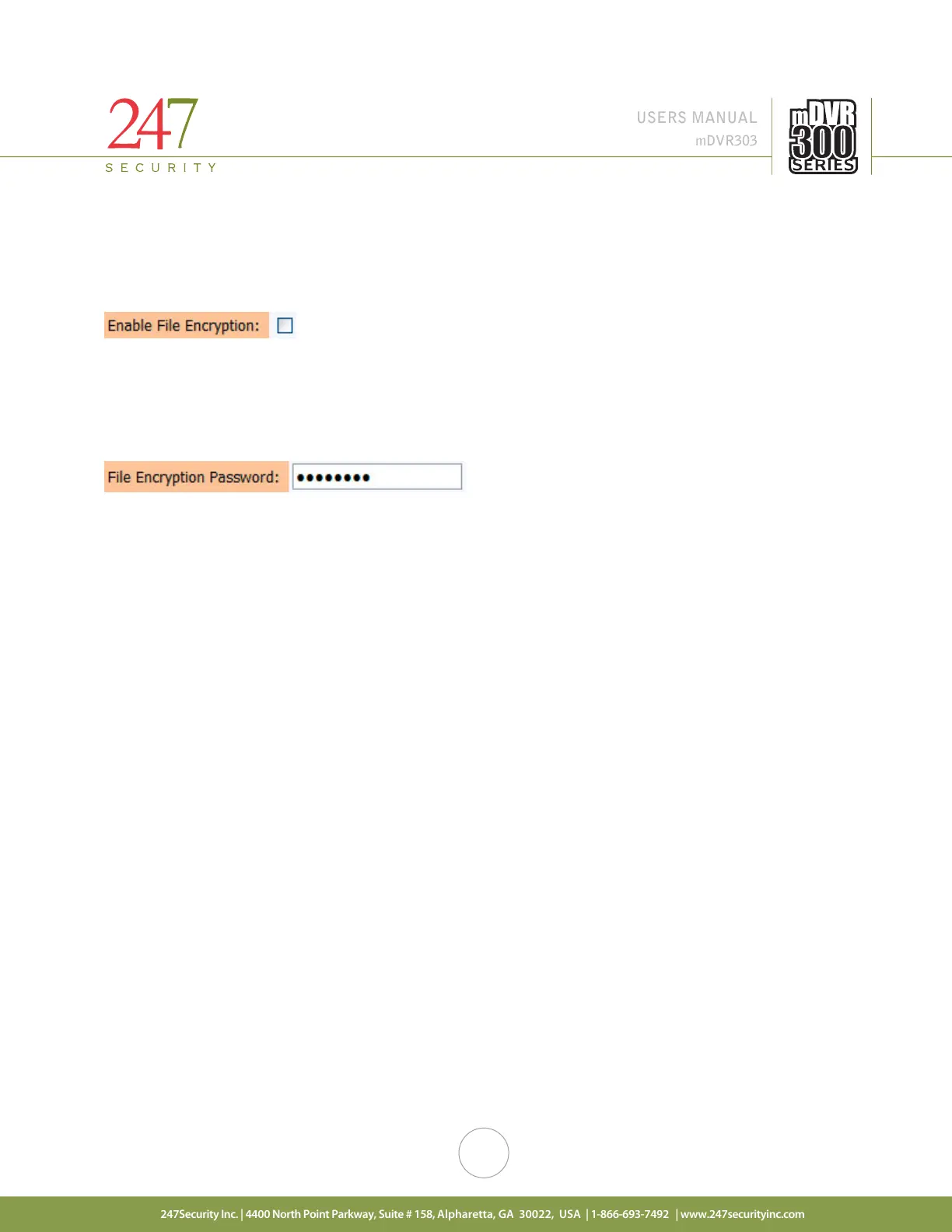
5.5.10. ENABLE FILE ENCRYPTION
If this option is enabled, a password is required to encrypt the video / audio files. When playing back these same
video / audio files the password will be requested. This is an additional security feature to keep unauthorized users
from viewing the video.
Note: (If the password is lost, the video CAN NOT be retrieved)
5.5.11. FILE ENCRYPTION PASSWORD
If file encryption is enabled (see above), this is where the password is set.
Warning: If you enable file encryption and forget your password, you will NOT be able to play back your recorded
video / audio files.



 To Next Page