247securityinc.com
1.866.693.7492
247securityinc.com | 1.866.693.7492 | 1455 Alderman Drive, Alpharetta GA 30005, USA
Pg.30 of 47
CONFIGURATION MENUS
TOOLS MENU
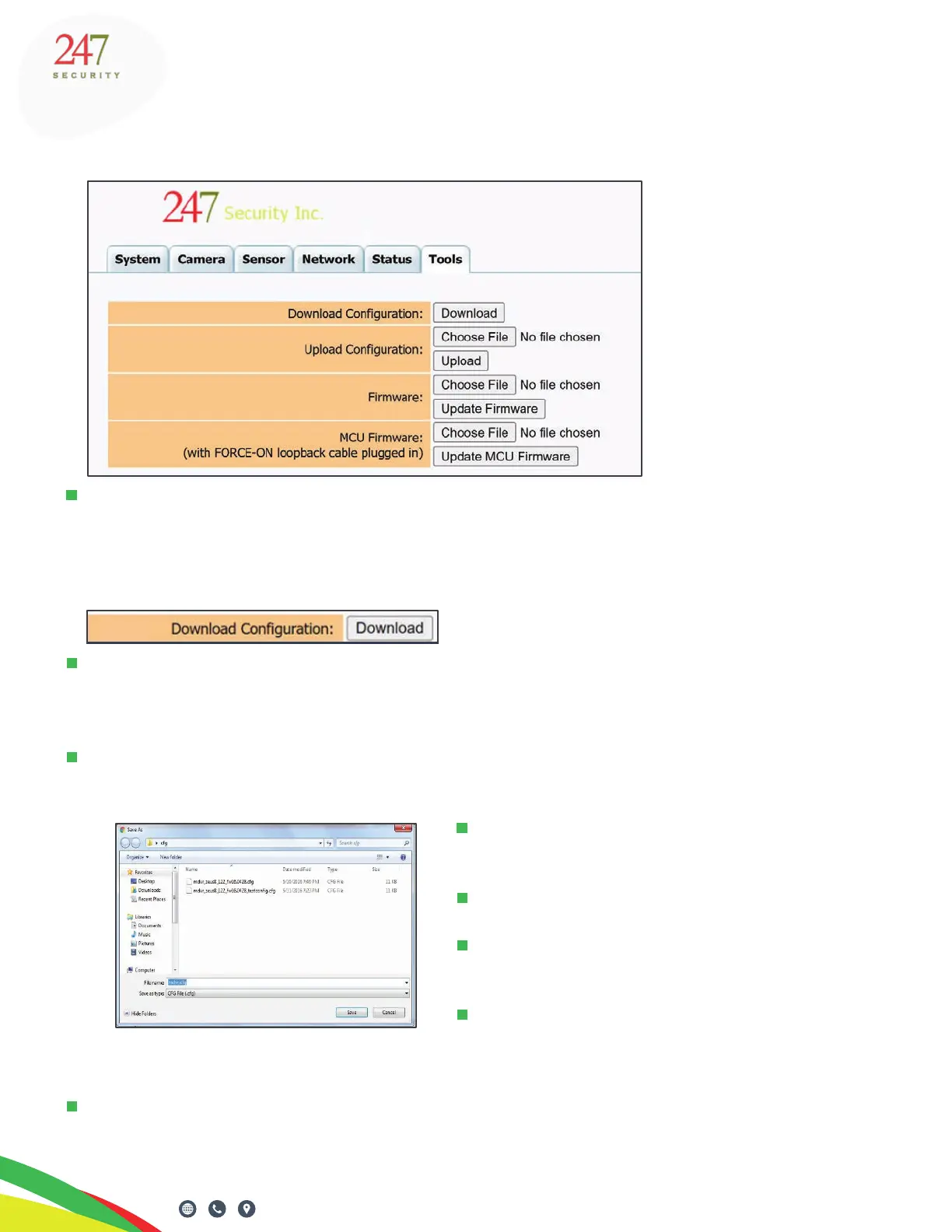
The Tools tab has a few options to assist in your DVR congurations, and to update DVR and MCU
rmware. There may be future rmware releases that contain new features or improvements.
Contact 247 Security Inc for the latest information on rmware updates.
DOWNLOAD CONFIGURATION
This option will save you time if multiple ZEUS systems need to be congured. You can download a
conguration le from one TITAN, and then upload and apply it onto another. Much like copying and
pasting, you can then alter only the required settings to make that TITAN unique.
Once the DVR has been congured, click the “Download” button to save your settings to a le on
your desktop or a location of your choice.
Navigate to the location on your computer
where you want to save the le.
Click the “Save” button.
A le named “mdvr.cfg” will be saved to
the chosen location.
From Windows Explorer, you can rename
the le to better identify which DVR/vehicle
it came from.
For example, you can rename the le to incorporate the vehicle name and the date it was congured,
like the following example: “mdvr_ZEUS TITAN_bus122_2022-06-16.cfg”.



 To Next Page