2 EASY
-10-
VD MODULE
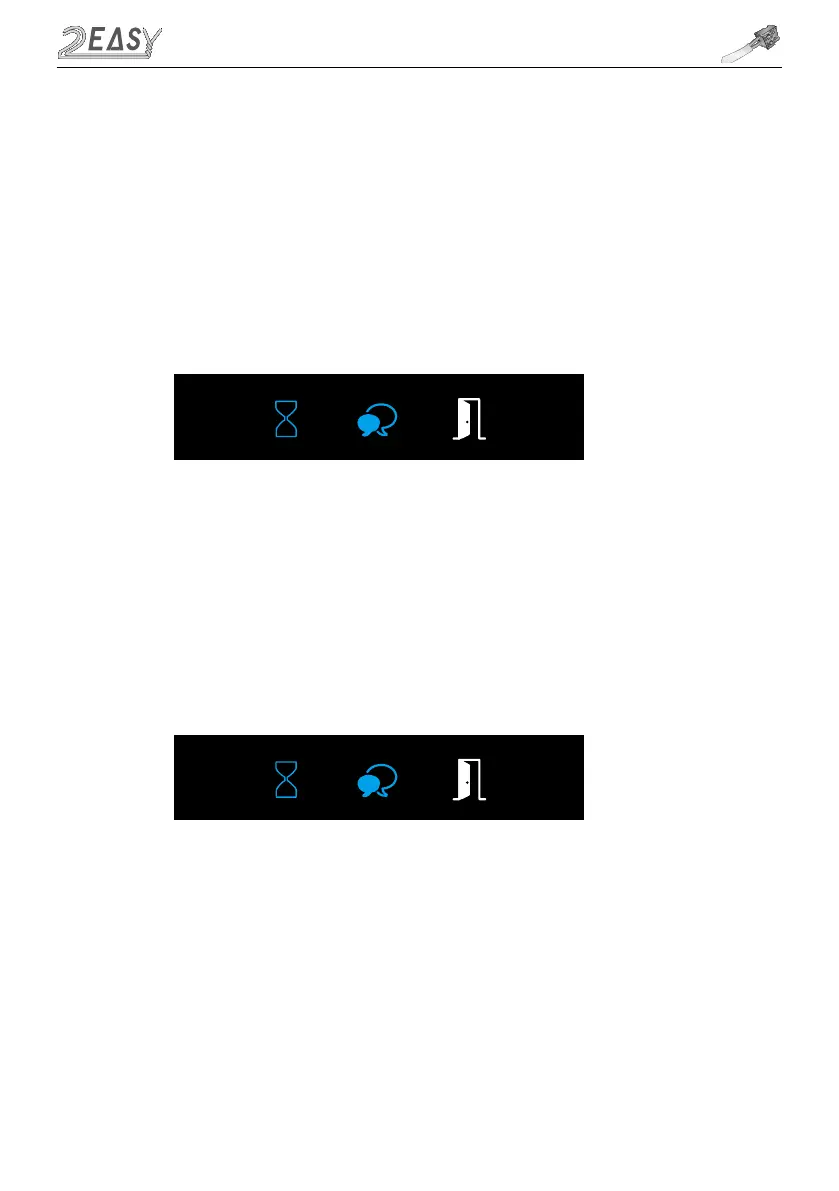
1. Press Key A, the Talk Indicator and Status Indicator turns on with double beep sound
2, Press Key A again to enter the Camera NTSC/PAL setting.
PAL(Default): the Status indicator blinks ones with beep sound
NTSC: the Status indicator blinks twice with double beep sound
• Camera NTSC / PAL Settings
1. Press Key A, the Talk Indicator and Status Indicator turns on with double beep sound
2. Press Key B to enter Enable/Disable Image Zoom Mode settings.
Enable Image Zoom Mode (Default): the Talk indicator blinks ones with the beep sound
Disable Image Zoom Mode: the Talk indicator blinks twice with double beep sound
Door Station is equipped with Fisheye camera. Enabled Image Zoom Mode, allows monitor to
display image on full screen for 5 seconds, then switch to zoomed image. Not all monitors have
Zoom Pan&Tilt option, so those without, should be used with disabled Image Zoom Mode. Othewise
image will be flickering, trying to zoom.
• Enable/Disable Image Zoom Mode



 To Next Page