2 EASY
-9-
VD MODULE
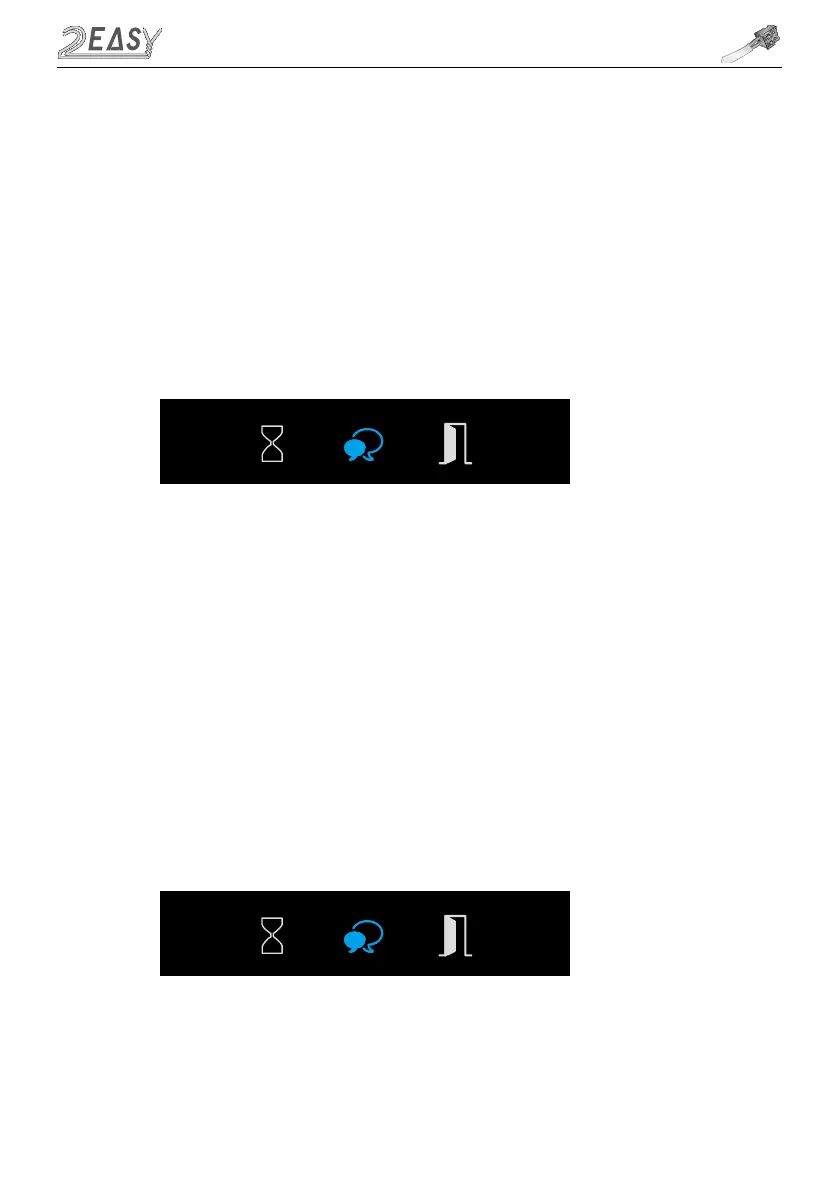
1. Press Key B to enter Ringtone Volume Setting, the Talk Indicator turns on and plays the tune at
the current volume
2. Press Key A to increase/decrease volume
3. Press Key B to exit
If door station has TFT screen connected, the current Volume and changes will be visible on the
screen
• Ringtone Volume Setting
1. During conversation, press and hold Key B for 3 seconds to enter the Talk Volume Setting
The Talk Indicator turns on with beep sound
2. Press Key A to increase/decrease volume
3. Press Key B to exit
• Talk Volume Setting



 To Next Page