2 EASY
-8-
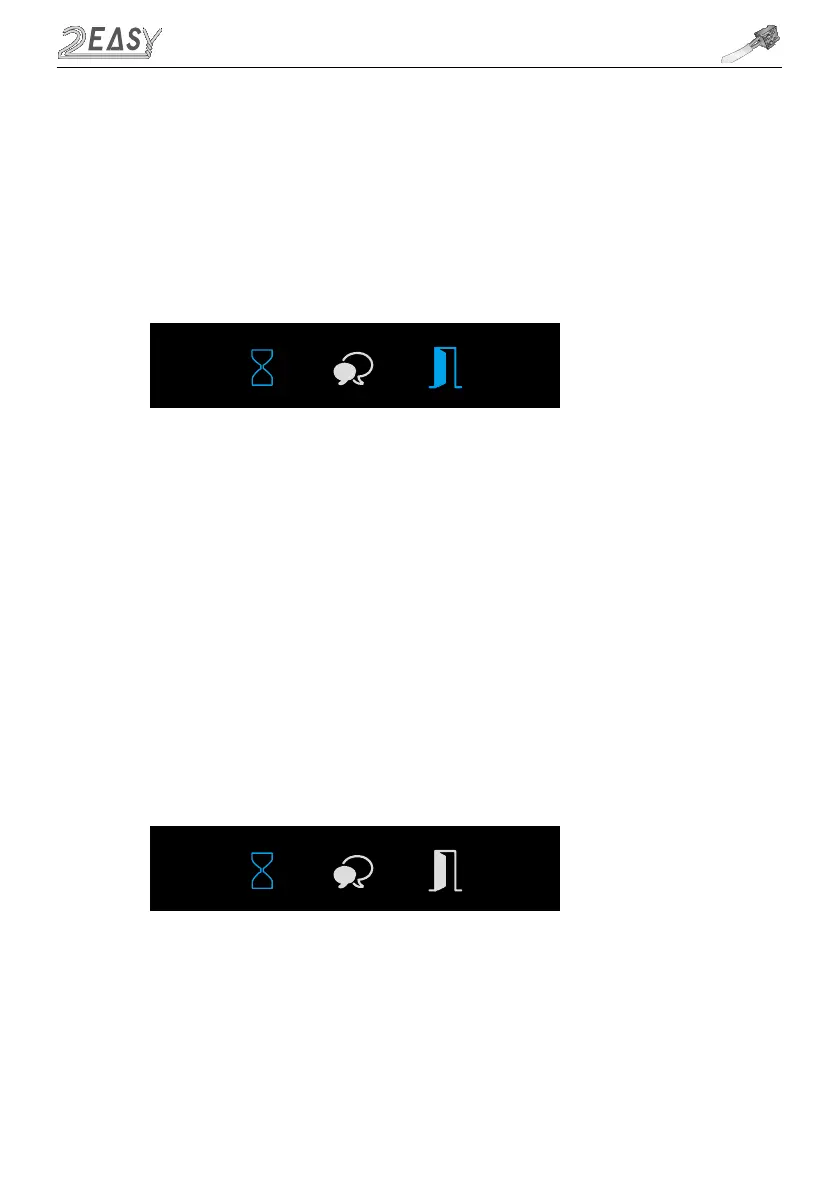
1. Press Key A, Unlock Indicator turns on with double beep sound
2. Press and hold Key B to change unlocking time from default 1s. Every beep and/or flash of
Status Indicator increase unlocking time by second. If door station has TFT screen connected, time
increase will be visible on the screen
• Unlocking Time Setting
VD MODULE
1. Press and hold Key A for 3 seconds to enter the Ringtone Option Mode, the Status Indicator
turns on and the current Ringtone will be played.
There are 3 options to choose from:
00 - Mute; 01 - Tune (default); 02- English (voice Annunciation)-Deafult
2. Press key A to select
3. Press Key B to exit
• Ringtone Setting



 To Next Page