24
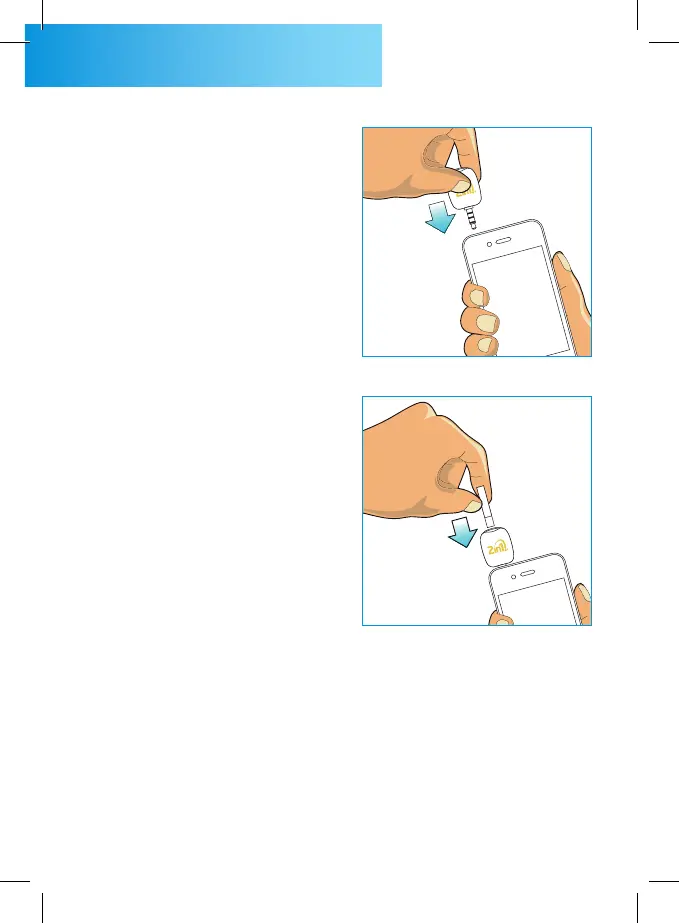
STEP 2
Plug the 2in1. SMART meter
into your headphone jack. The
volume control dialogue box
is displayed. Make sure the
headphone volume maximize
for 2in1. SMART meter getting
enough power. The white light
of 2in1. SMART will turn on and
“Insert Strip” is displayed.
STEP 3
Insert the test strip while
electrode end facing up into
the strip port until stop gently.
Do not push the test strip
strongly into the strip slot.



 To Next Page