25
STEP 4
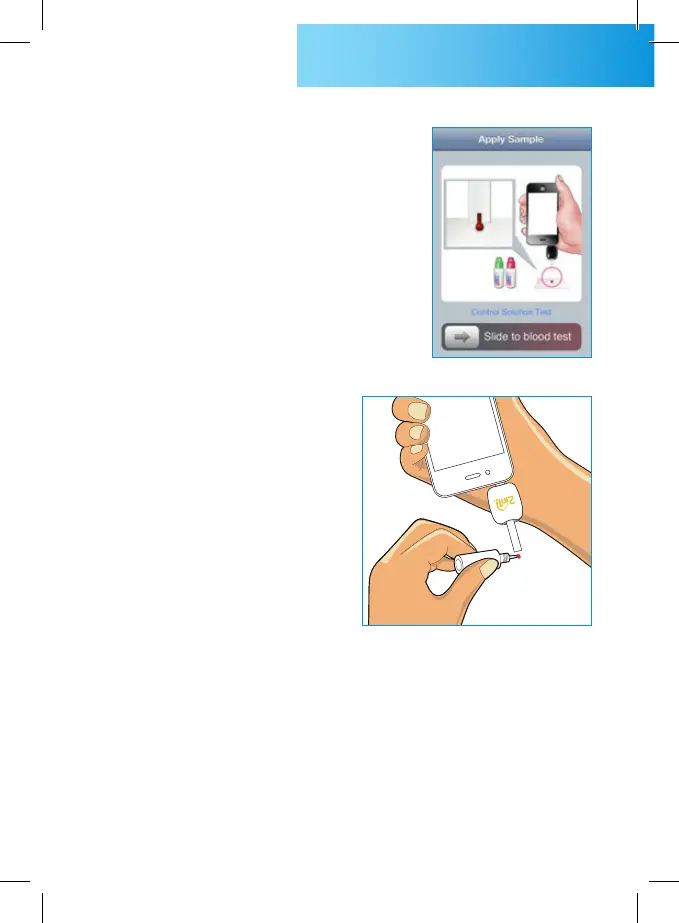
“Apply Sample” tells the 2in1.
SMART is ready to test. Slide
the button at the bottom of
the screen, and the
picture of control solution test
is displayed.
STEP 6
The application shows counting progress during 5 seconds.
STEP 5
Shake the control solution vial
and remove the cap. Gently
touch test strip tip to control
solution drop. Hold until the
counting progress starts.



 To Next Page