26
STEP 7
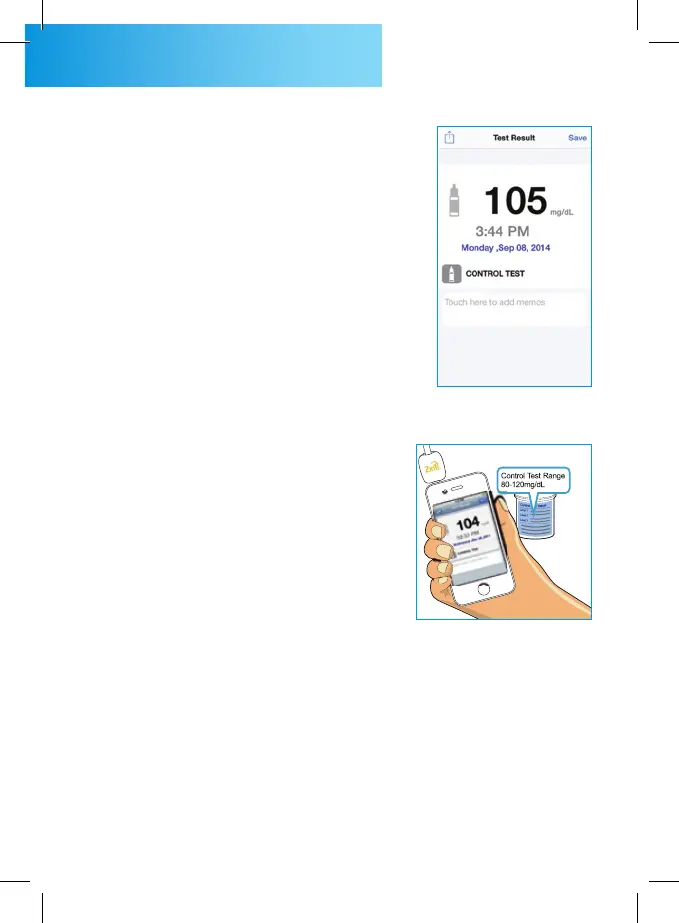
The control solution test re-
sult is displayed on screen and
stored into your smart phone
automatically.
STEP 8
Compare the test result with
the control solution range
which is printed on test strip
vial. A single control solution
test within range shows that
your meter and test strips
are working properly. If the
test result is not within this
range, the 2in1. SMART and
strips may worked improperly.
Repeat the control solution
test. If second control solution
result is out of range again,
contact the local distributor.
Do not use the meter.



 To Next Page