30
Typical Backlight Power Supply
2N® Helios features a high-quality white-LED name plate backlight. This backlight
shows low power requirements, long life and even illumination of all name plates. If a
standard 12 V electric lock (see above) is connected to 2N® Helios, the backlight can
be powered using the lock power supply. Connect the power supply as shown in the
figure. Just make sure that the power supply (adapter transformer) is able to supply
the required current constantly and that it is cooled properly (do not wrap it in any
thermally insulating material, or use ill-ventilating covers, etc.!). The required current
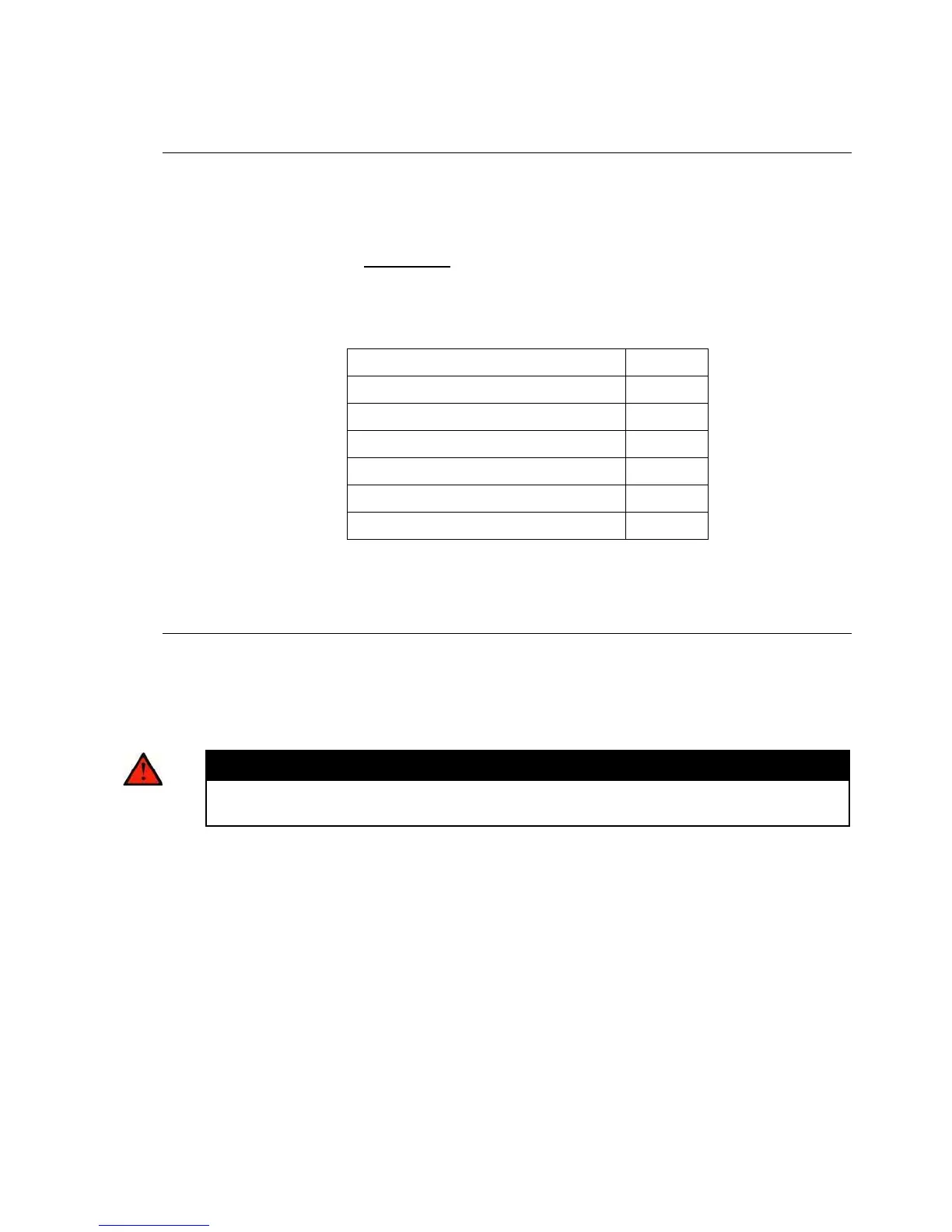
depends on the count of buttons and other elements in the set and can be determined
for 12 V according to the following formula:
The above mentioned currents are maximum values at 12V.
Cable Arrangement inside the Cover
We recommend you to use a UTP cable (8-wire, approx. 5.5 mm output diameter) for
2N® Helios connection. Push the cable into the groove on the left side of the cover.
If you combine this cable with another one (e.g. the electric lock 2-wire cable), insert
the 2-wire first and then the UTP cable to prevent the 2-wire cable from falling out.
You can also fit the cables with common clamp tape.
Warning
An improper cable arrangement may cause a malfunction of the product.
Before closing the cover, check all wires and the cover for perfect closing.



 To Next Page