Instant Replay 2 Owners Manual Page 37
Transferring Files with Flash FXP
Flash FXP™ is a popular FTP client that is available online for a very modest sum. Flash
FXP™ can be obtained at
www.inicom.net. Instant Replay has been tested with Flash FXP™
version 3.2.0.
Connect to Instant Replay
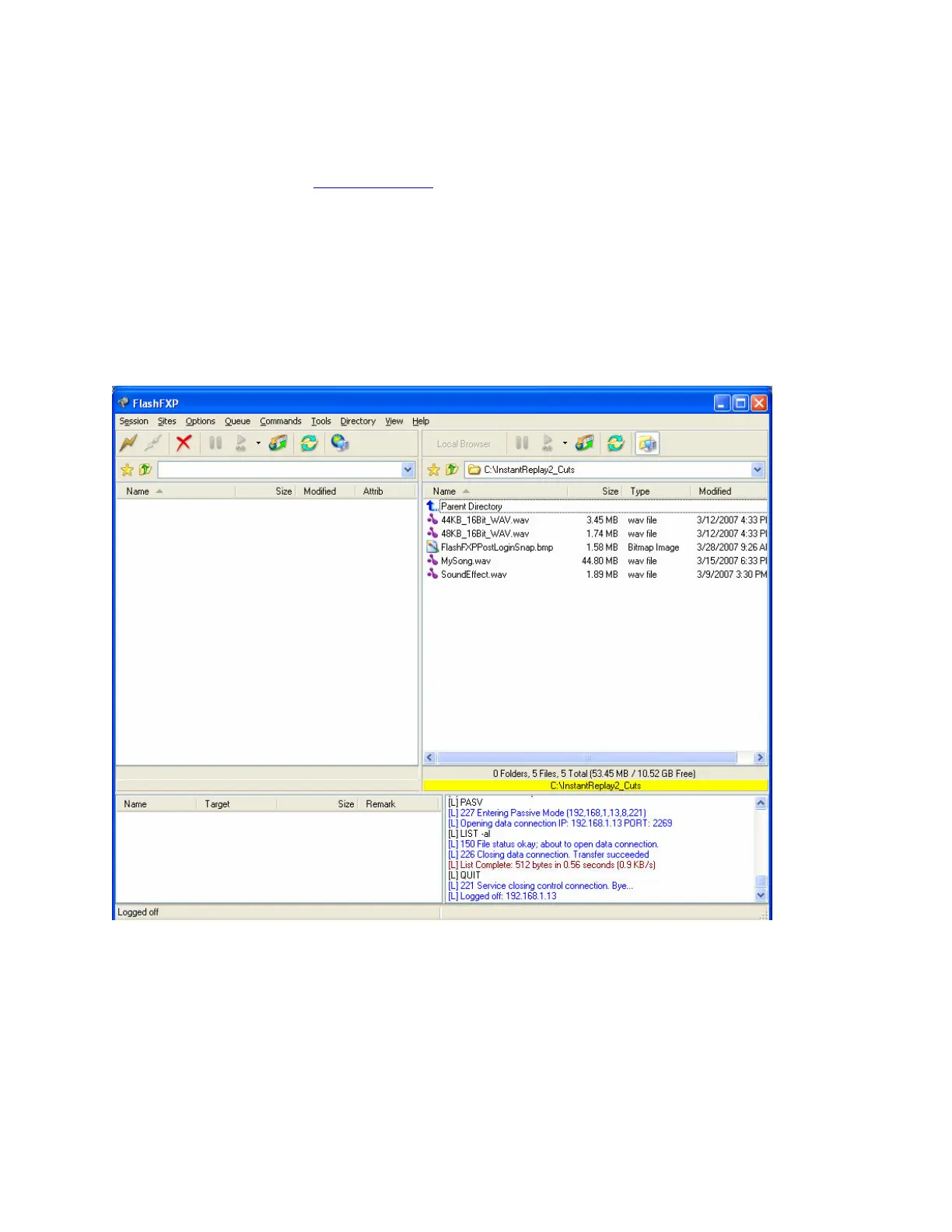
Start up Flash FXP. The listing on the right hand side shows local files on your computers
drive.
Set Instant Replay to FTP Mode by pressing MENU->NETWORKING->FTP MODE->ON
then pressing ENTER.
Click on the yellow Lightning Bolt then select Open Connection.


 To Next Page