3
U
SING
THE
PS H
UB
This chapter contains the following topics:
■ Description of the hub’s LEDs and ports
■ Positioning the hub
■ Rack and wall mounting the hub
■ Connecting PS Hubs together
■ Connecting workstations and other equipment to the hub
■ Spot Checks
LEDs and Ports
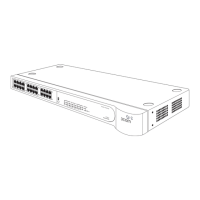
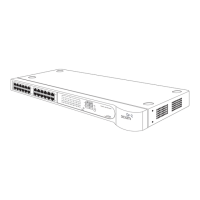
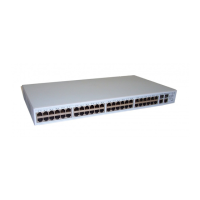
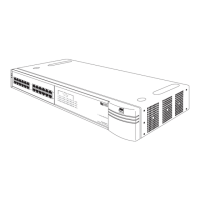
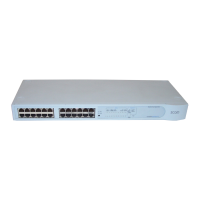
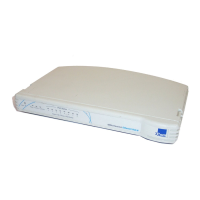
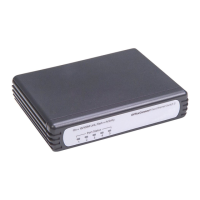
Figure 3-1 (over the page) shows the hub’s diagnostic LEDs and easy to
use ports. This diagram also appears on the Quick Reference Guide.
The LEDs:
■ Show you how the hub and its ports are operating
■ Show you how the hub’s segments are operating
■ Alert you to a potential problem with your network
The different types of ports are used for:
■ Connecting workstations and other equipment to your hub
■ Connecting your hub to other PS Hubs, to form a stack
■ Connecting a management station to your hub for local
management
CAUTION: Only connect a SuperStack
®
II Redundant Power System to
the Redundant Power System socket.
Do not remove the transceiver module blanking plate with the power
still connected.




 To Next Page