18 CHAPTER 1: INTRODUCING THE ROUTER
The rear panel (Figure 5) of the Router contains one ADSL port, four LAN
ports, one WiFi on/off button, a reset button, one power adapter socket,
and one WPS button.
Figure 5 Router - Rear Panel
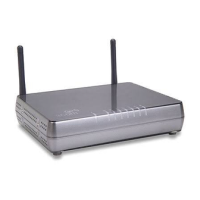
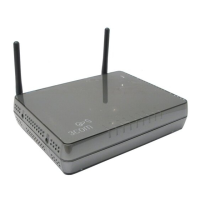
1 Wireless Antennae
The antennaes should be placed in a ‘V’ position when initially installed.
CAUTION: Do not force the antennae beyond their mechanical stops.
Rotating the antennae further may cause damage.
2ADSL Port
RJ-11 port (3CRWDR300A-73)/ RJ-45 port (3CRWDR300B-73), connect
this port with the telephone socket.
3 Ethernet Ports (4 ports)
Using suitable RJ-45 cables, you can connect your Router to a computer,
or to any other piece of equipment that has an Ethernet connection (for
example, a hub or a switch). These ports have an automatic MDI/MDIX
feature, which means either straight-through or a crossover cable can be
used.






 To Next Page