3
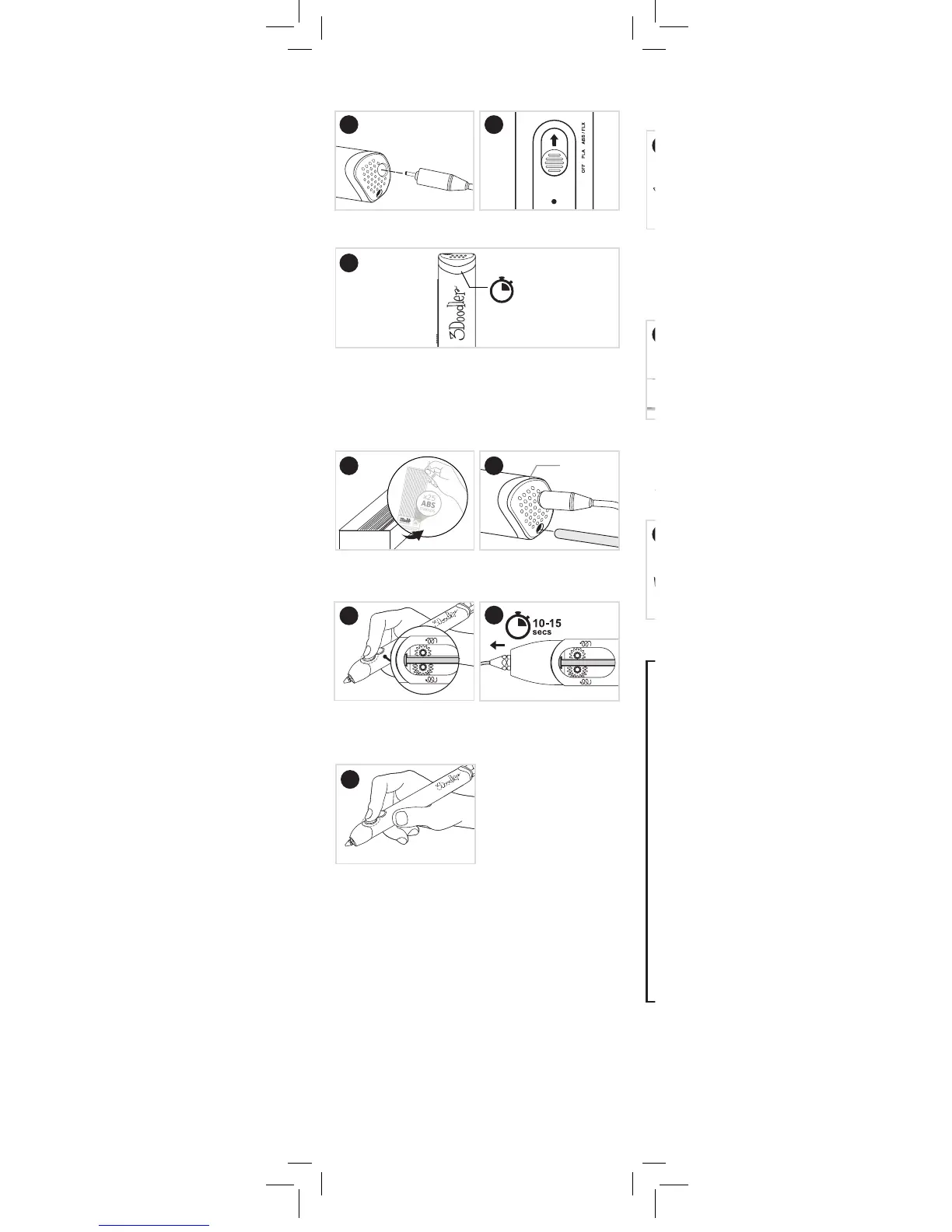
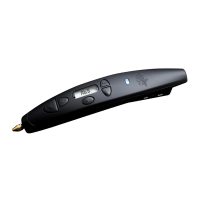
Slide Control Switch to
ABS / FLX.
Light will glow RED while the Pen is reaching the temperature
required to melt your Plastic. Once Light has turned BLUE,
your Pen is ready to extrude Plastic.
Step 1: Turn on your 3Doodler
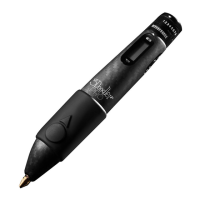
Create+ and wait for it to heat up
Plug in the yellow hole of
3Doodler Create+.
Power Adapter
Light to BLUE
60-90
secs
Step 2: Load and extrude Plastic
Making sure the Light is still
BLUE, push the Plastic through
the Plastic Loading Port.
BLUE Light
Select one strand of ABS
(MATTE) Plastic (provided in
your 3Doodler Create+ box).
Click FAST button once and
release. You will hear the
Drive Gear start.
After 10-15 seconds, Plastic
will begin extruding from the
Nozzle. Extruded Plastic will
harden after a few seconds.
Press the FAST button once to
stop extruding.
x1
1
x1
3
4
3
2
2
5
Step 3: Doodle your name
Use box below to create your rst Doodle -
your name!
Write your name in the box
provided using marker, pen,
pencil, or any other writing
utensil of your choice. We
suggest cursive, or block with
the letters connected.
Doodle your name in a
continuous unbroken Doodle
by dragging the Plastic along
the paper as if you were
writing with a pencil, with all
letters connected. Keep your
movement slow and steady.
Bend the paper outwards to
pop your Doodled name o.
Your Name:
#MyFirstDoodle


 To Next Page