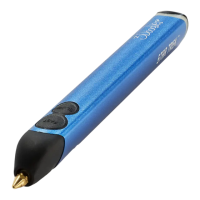
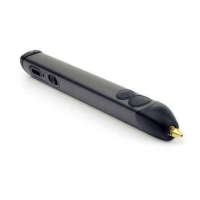
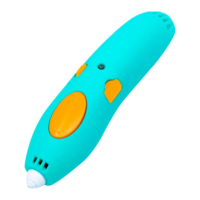
Step 7: Let’s Switch to PLA Plastic!
PLA Plastic
ABS Plastic
The color of the Plastic will
change once the PLA starts
extruding. It will appear mixed
at rst. STOP extrusion by
pushing either button once.
SLOW
FAST
Click FAST or SLOW once to
continue extruding the PLA
Plastic and Doodle as you wish.
Step 8: Power Down
Move the Control Switch
to OFF.
After 5 minutes of inactivity, the 3Doodler Create+’s heating
system will automatically power down. You will need to press one
of the Speed Buttons OR toggle the Control Switch OFF and then
ON again to continue use.
SECTION 3: TROUBLESHOOTING
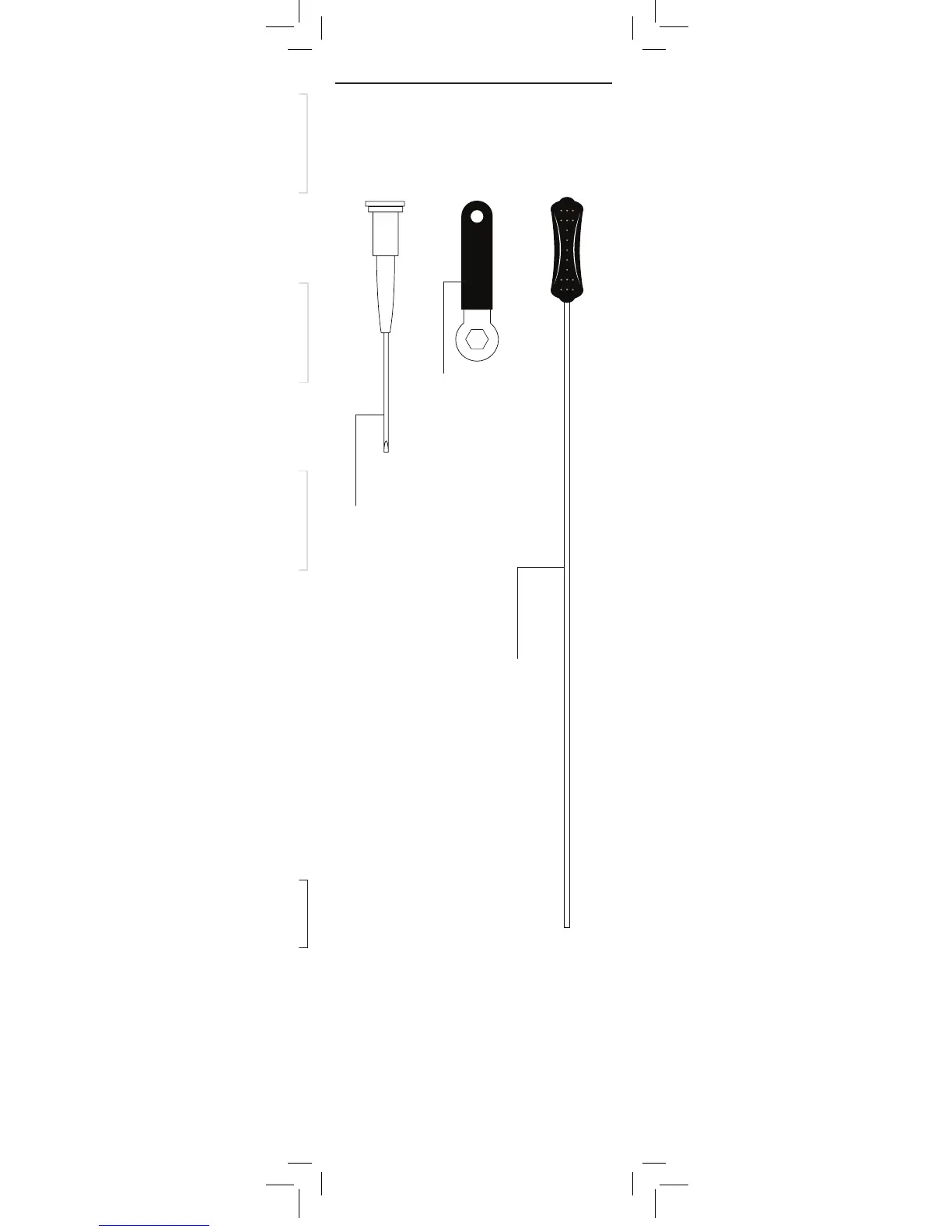
Tools (Provided in Box)
Before showing you how to troubleshoot issues
with your 3Doodler Create+, we want to introduce
you to three handy tools provided in your box:
Mini Spanner
Used for tightening and
removing the Nozzle.
Do not remove Nozzle
when Pen is cold.
Do not overtighten the
Nozzle, as you may
break it.
Unblocking Tool
Used for pushing short
pieces of Plastic down
into the Drive Gear to
help with extrusion
from Pen.
Mini Screwdriver
Keep this handy
for removing the
Maintenance Cover.
Keep this handy
for removing the
Maintenance Cover
or rotating the
Temperature Adjuster
(See the3doodler.com/
temperature)
With those introductions over, it’s time to look
at the dierent issues that may arise with your
3Doodler Create+ and steps to get back
to Doodling.
3Doodler_Bob_User_Manual_MAIN_Inner_20180511.indd 8 11/5/2018 11:37 AM


 To Next Page