29
Planning
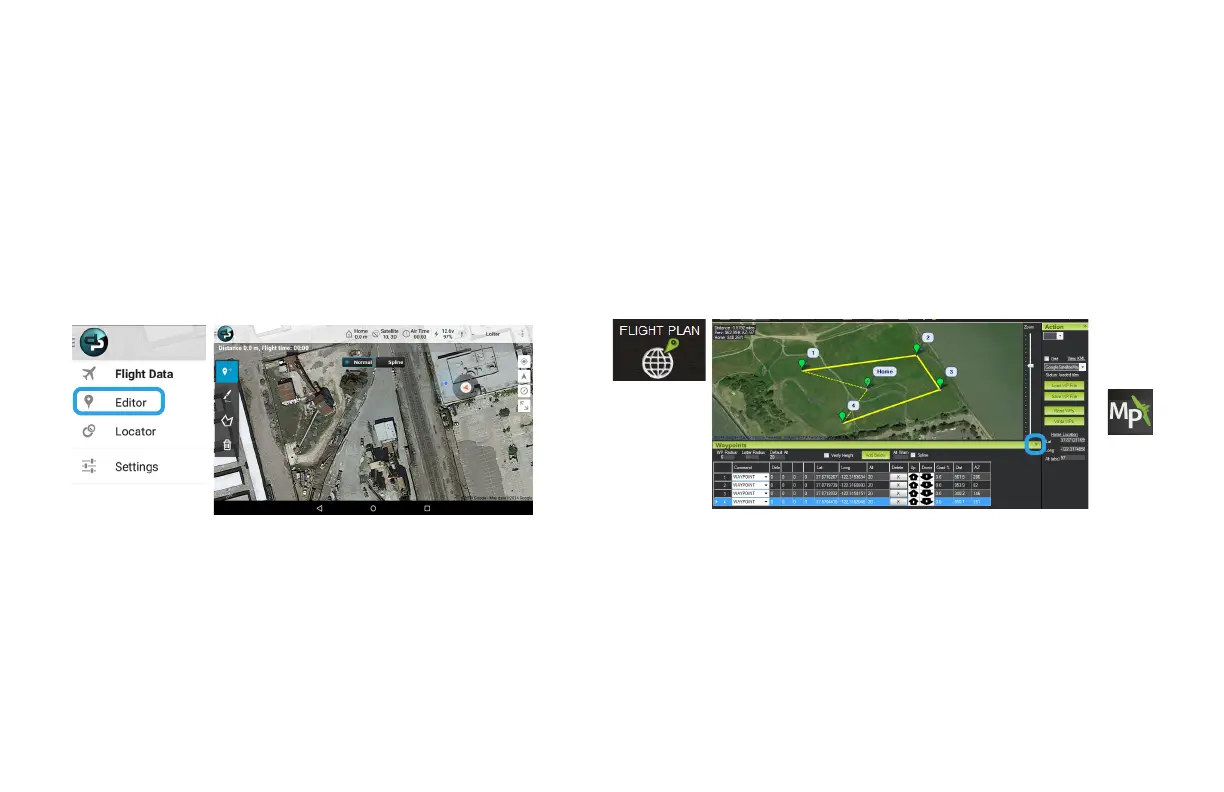
Select the DroidPlanner icon, select Editor. Tap to add
waypoints, or select the brush tool and draw a path
for the X8 to follow.
Select Flight Plan, and click to add waypoints. Select the green arrows at
the bottom of the screen to configure altitude and change waypoint types.
To plan a mission, power the X8 and connect to your ground station. Ground
station applications require an Internet connection to access maps.
Tablet (DroidPlanner) Laptop (Mission Planner, APM Planner)
DroidPlanner: Edit waypoints
Mission Planner: Flight Plan
Takeoff and Landing
Both ground station applications provide the option to configure automatic
takeoff and landing into the mission. Missions without automatic takeoff and
landing must be initiated and ended in flight.



 To Next Page