30
Saving
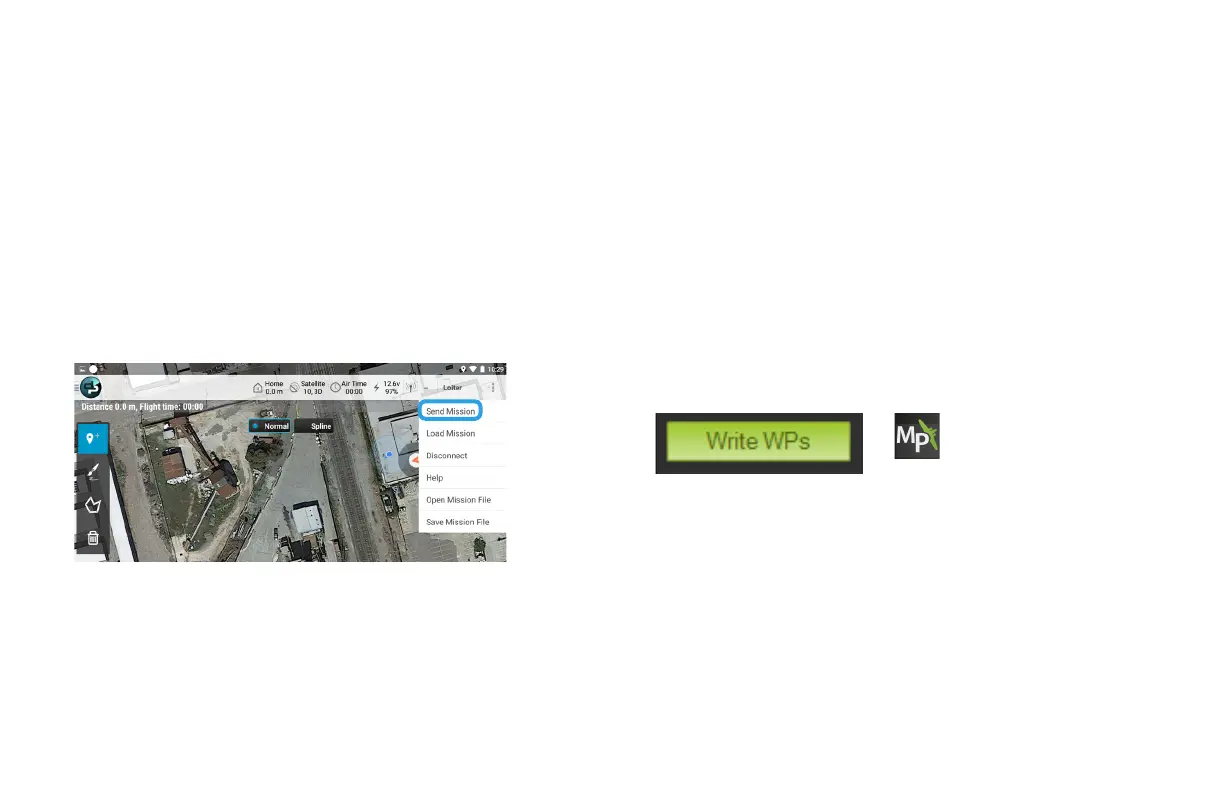
Select the option menu in the top-right corner, and
select Send Mission. This command saves the mission
to the X8.
On the Flight Plan screen, select Write WPs to save the mission to the X8.
Select Save WP File to save the mission to your computer for future use.
After planning the mission, save the mission to the X8. The Pixhawk autopilot
can store one mission at a time. When you initiate the mission, the X8 starts
the mission stored to the autopilot at the time.
Tablet (DroidPlanner) Laptop (Mission Planner, APM Planner)
DroidPlanner: Send Mission (option menu)
Mission Planner: Flight Plan



 To Next Page