EasyManua.ls Logo

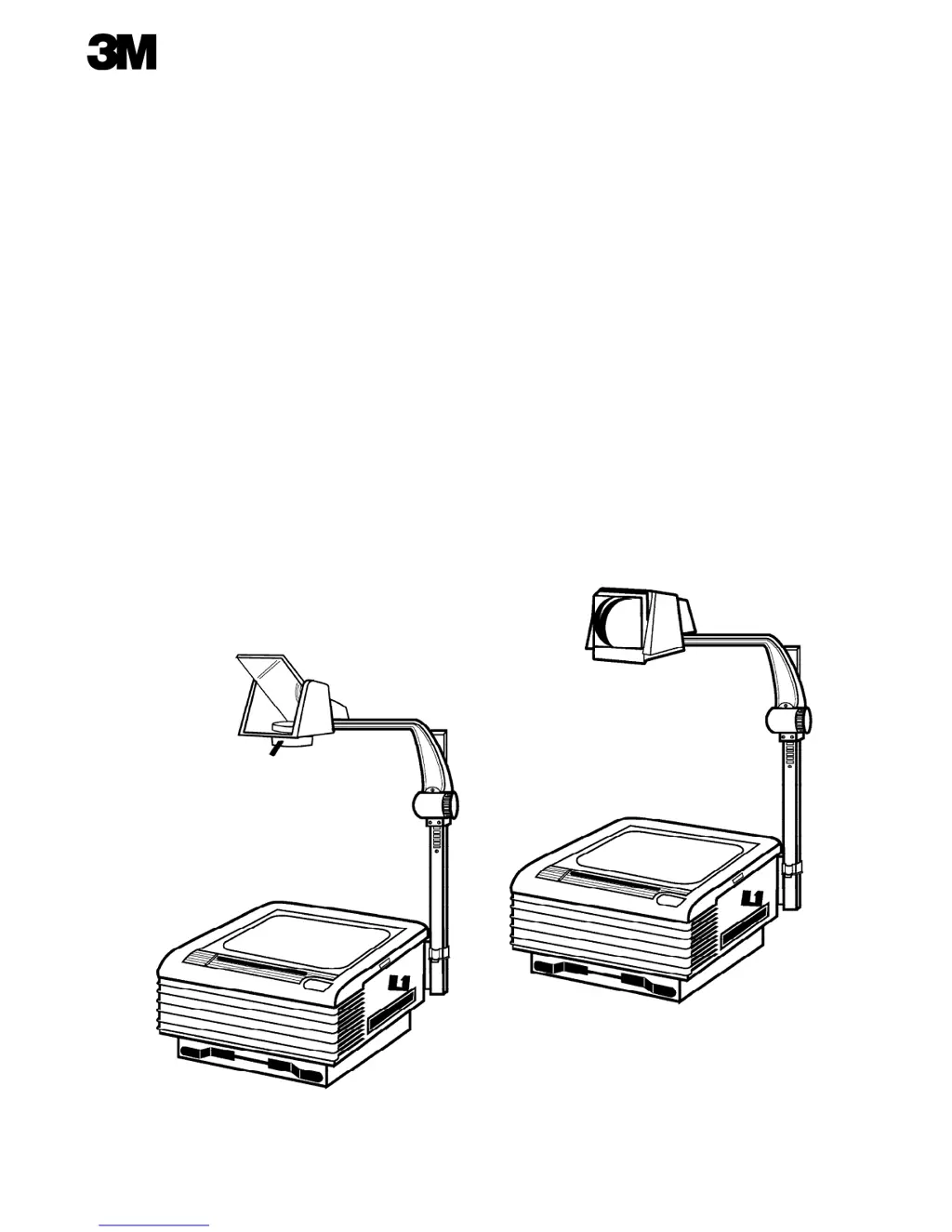
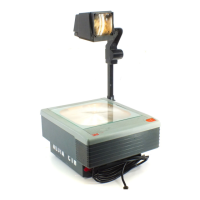
3M 9000 - User Manual

3M 9000
7 pages
Print Icon
To Next Page IconTo Next Page
Loading...
9000 Series
Overhead Projector
Operators Guide
Série 9000
Rétroprojecteur
Manuel dutilisation
Serie 9000
Retroproyector
Manual del Operador

Other manuals for 3M 9000

Questions and Answers

  • W
    williamsderekAug 13, 2025
    What to do if neither lamp nor fan comes on in 3M 9000 Projector?
    • R
      Robert SmithAug 13, 2025
      If neither the lamp nor the fan comes on in your 3M Projector, ensure the projector is plugged into a power source. If it is, there may be an obstruction in the fan or motor, requiring professional servicing.
  • S
    Sue MercerAug 17, 2025
    How to fix a 3M Projector when the lamp doesn't come on but the fan runs?
    • P
      Patricia WheelerAug 17, 2025
      If the fan runs but the lamp doesn't come on in your 3M Projector, the lamp may be burned out and needs replacement. Alternatively, ensure the lamp is fully seated in the socket or that the lamp changer door is completely closed.
  • C
    Charles RodriguezAug 20, 2025
    What to do if the fan doesn’t run, but lamp is on in 3M 9000 Projector?
    • C
      Christina HillAug 20, 2025
      If the lamp is on but the fan isn’t running in your 3M Projector, plug the projector into a power source. If it is already plugged in, the fan or motor might be obstructed, and you should have the machine serviced.
  • L
    Lisa McgeeAug 25, 2025
    Why does a new lamp burn out immediately in my 3M Projector?
    • J
      juarezfranciscoAug 25, 2025
      If a new lamp burns out immediately after turning on your 3M Projector, it could be a defective lamp or an electrical problem. Try one more lamp. If the second lamp also blows, have the machine checked by a qualified technician.
  • T
    Tracy RileyAug 28, 2025
    How to fix a 3M 9000 image that is wider at the top?
    • L
      Lori PattersonAug 28, 2025
      If the projected image is wider at the top with your 3M Projector, check the power supply and ensure it is properly connected. Also, make sure the top cover is completely closed. Finally, reposition the screen surface to be 90 degrees to the projected image.
  • C
    Carol HowardSep 1, 2025
    What to do if new lamp lasts less than 2-5 hours in 3M Projector?
    • Q
      qschmidtSep 1, 2025
      If a new lamp lasts only a short time (more than one minute but less than 2-5 hours) in your 3M Projector, the lamp may be defective. Replace the lamp with a new one.
  • M
    Michele HarrisSep 4, 2025
    Why are the bottom or sides of projected image not in focus on 3M 9000?
    • C
      Courtney WoodsSep 4, 2025
      If the bottom or sides of the projected image are not in focus on your 3M Projector, the lamp may not be the proper type. Replace it with the correct type of lamp.
  • M
    Mr. Stephen RobertsSep 8, 2025
    What causes red or blue corners on a 3M 9000 image?
    • J
      Joel GonzalezSep 8, 2025
      If the corners of the projected image appear red or blue on your 3M Projector, the optical components may be misaligned. Have the optical components adjusted by a qualified technician.

3M 9000 Specifications

General IconGeneral
Brand3M
Model9000
CategoryProjector
LanguageEnglish

Related product manuals