English 7
BASIC OPERATIONS
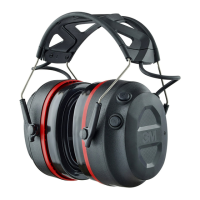
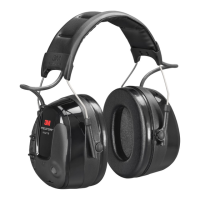
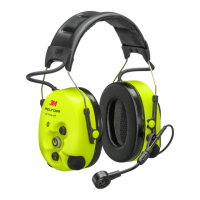
PRO-PROTECT PRO-COMMS ELECTRONIC HEARING PROTECTION
Pair Device Function: Once Your Device is Paired:
BLUETOOTH
®
PAIRING ON
BLUETOOTH
®
CONNECTED
Double-press the Bluetooth® button to enter
pairing mode. You will hear “Bluetooth Pairing”.
Make sure your Bluetooth
®
enabled device is
scanning/searching for devices. Check your device
to make sure it has discovered “3M Pro-Protect”
or “3M Pro-Comms” as appropriate. Select to
c
onnect to the hearing protector.
Once connected successfully, you will hear
“Bluetooth Connected”.
Once your device has been connected successfully
to the “3M Pro-Protect” or “3M Pro-Comms” as
appropriate, it will automatically link the next time
you turn on the hearing protector. A “Bluetooth
Connected” voice message will play once the
connection is successfully established.
POWER/
BLUETOOTH
®






 To Next Page