Multifunctional settings
INPUT Menu (continued)
Item Description
INFORMATION
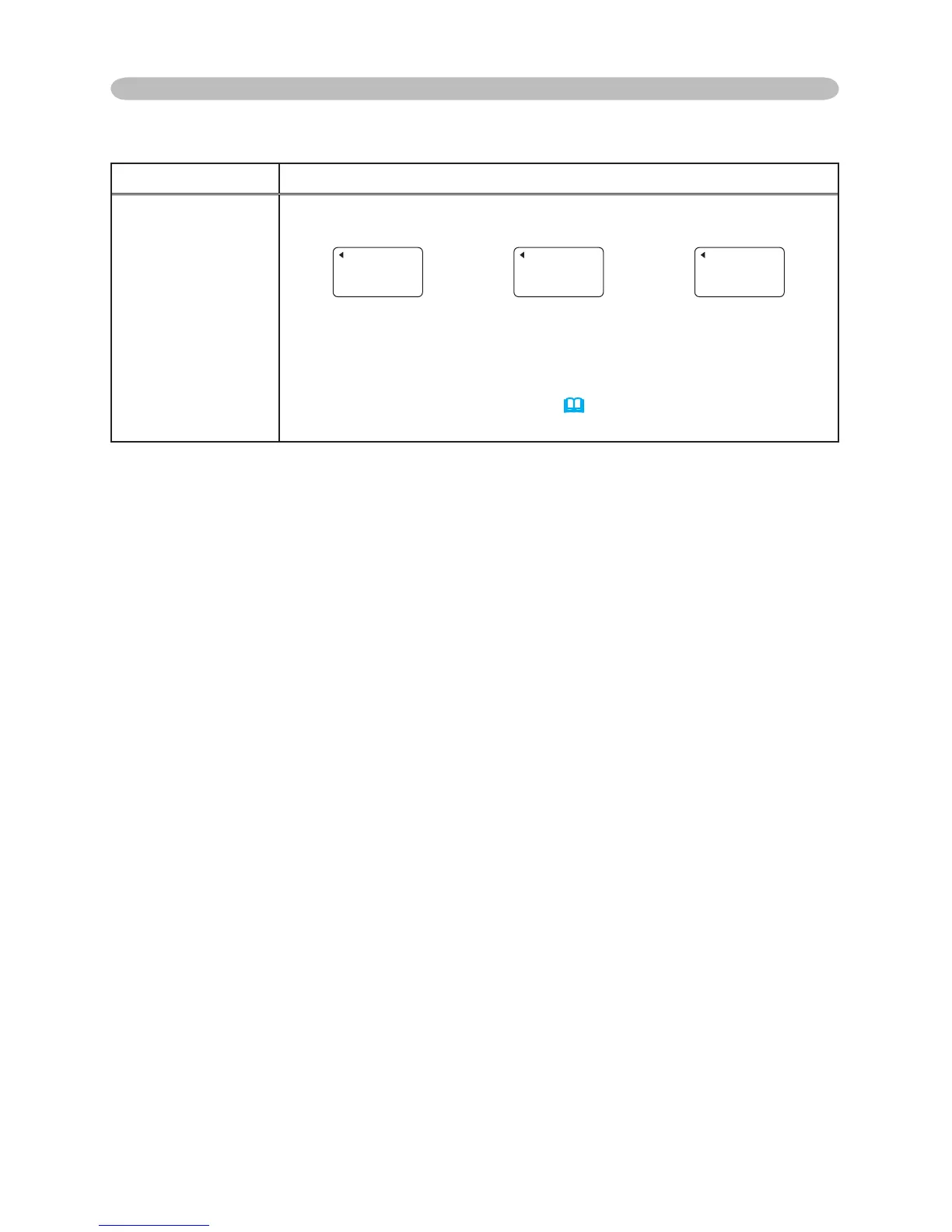
Selecting this item displays a dialog titled “INPUT INFORMATION”.
It shows the information about the current input.
• The “FRAME LOCK” message on the dialog means the frame lock
function is working.
• The “SCART RGB” message means the COMPONENT VIDEO
port is working as a SCART RGB
input port. Please refer to the
COMPONENT item in this menu.
(
32)
• This item can't be selected for no signal and sync out.


 To Next Page