16
8. Screen Operation
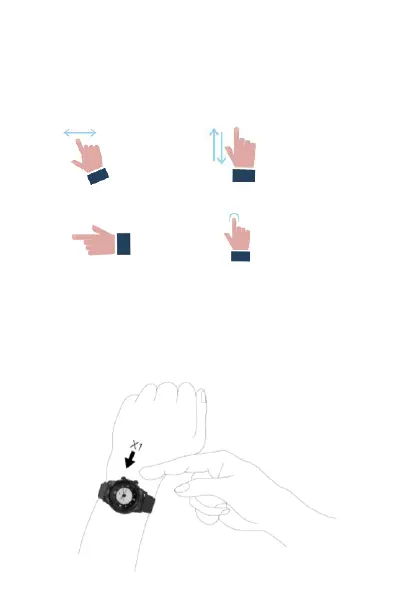
You can use several basic gestures and the two buttons to
interact with the Cruz watch.
Swipe Left or Right Swipe Up or Down
Press Button Tap
Turn on the screen by pressing the top button once. The
screen will turn off, by default, after 10 seconds of inactivity.
Hold down the top button for 3 seconds to turn On/Off the
watch


 To Next Page