31
Notifications
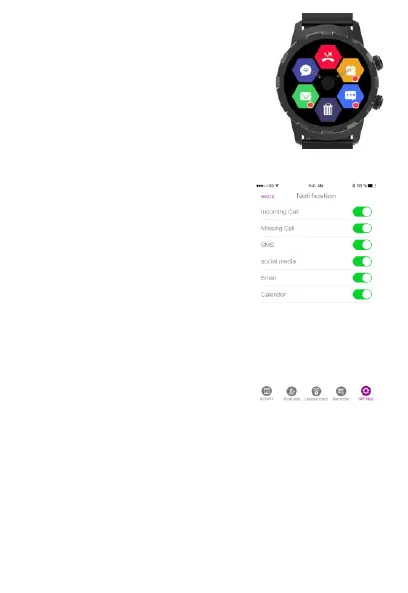
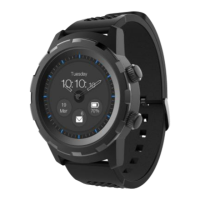
Read and receive your smartphone
notifications directly on your Cruz
Hybrid watch.
To turn on notifications, open the
Hybrid App, select settings, then
select notifications.
You can select specific
notifications you want to receive
on your Cruz Hybrid watch, or you
can select “All Notifications” to
receive all the alerts that are
listed.
Note: Notifications will only work if the Cruz watch is paired to your
smartphone device via Bluetooth and is within Bluetooth range.


 To Next Page