38
Weather
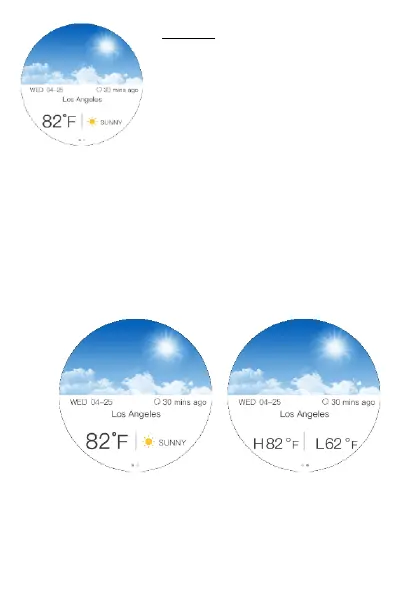
You can check the weather forecast
of your current location on the Cruz
Hybrid watch. You can pick between
a daily view or a 5-day forecast to
help plan your schedule.
Follow the steps below to add another location
1. Open the Hybrid App and go the Settings
2. Tap on Weather and Add a new location
3. Search by typing in the name of a city and
select your desired location.
4. You can adjust the temperature measurement,
daily or 5 day forecast and the icon size.


 To Next Page