Printed in U.S.A.
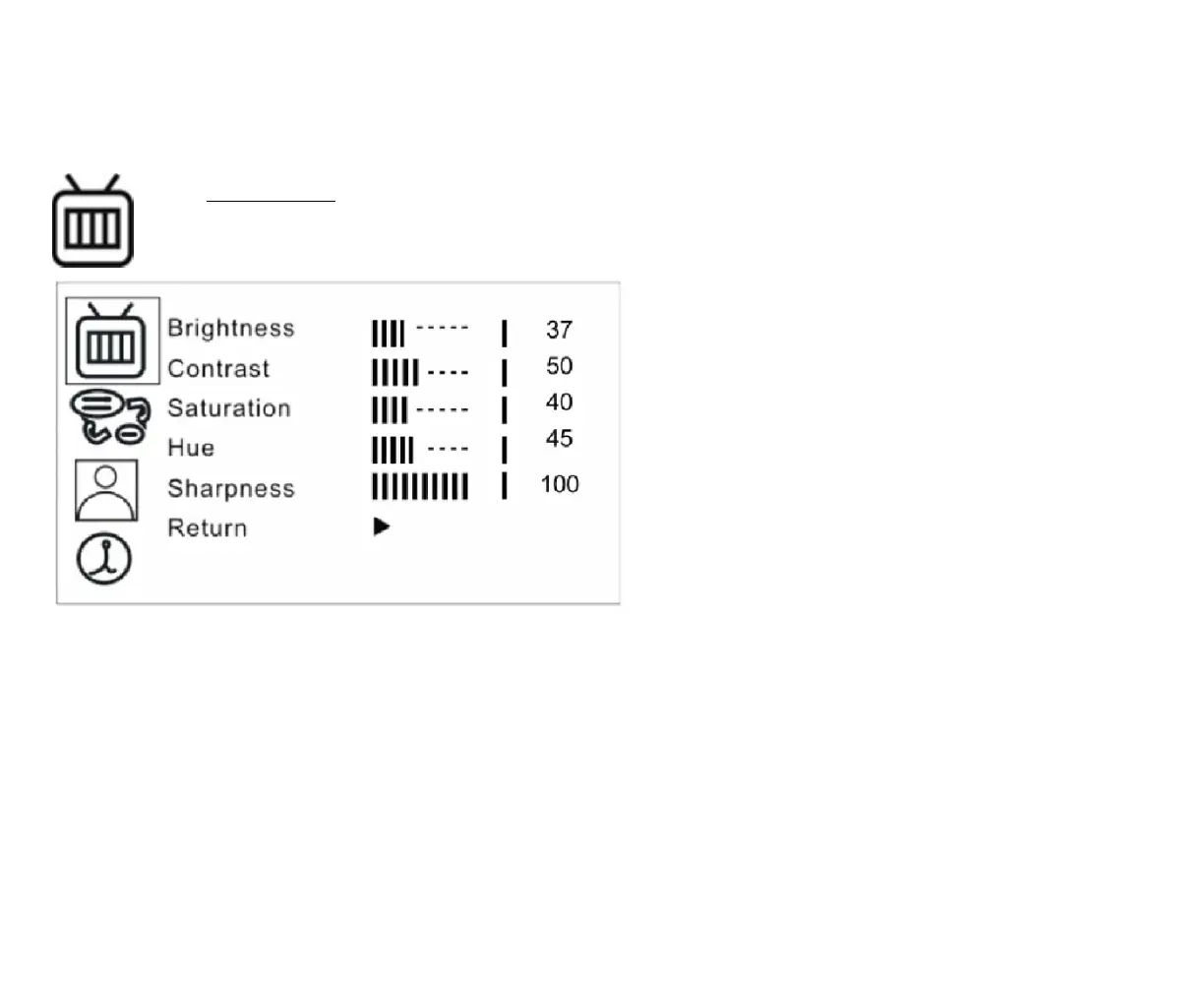
Brightness
Provide adjustment for shade and brightness
level of TFT display. Setting value from 0 ~
100. Default value is 37.
Contrast
Provide adjustment for the light and dark level
of the TFT display. Setting value from 0 ~ 100.
Default value is 50.
Saturation
Provide adjustment for the light intensity level
of TFT display. Setting value from 0 ~ 100.
Default value is 40.
Hue
Provide adjustment for the lightness and
colorfulness level of TFT display. Setting value
from 0 ~ 100. Default value is 45.
(Only in NTSC system is available.)



 To Next Page