Quick Installation Guide
EAP210 or OWL530 Enterprise Access Point ENGLISH
- 3 -
1 Antenna
Connector
Reverse SMA connectors for attaching antennas.
1 (1) is the primary antenna connector and 1 (2) is the secondary.
Utilize both connectors for 802.11n MIMO optimized performance.
2
12V 2A
Power Socket for the power adaptor.
3 Uplink Port
The port for uplink connection to another gateway or device. PoE (802.3af/at) is
supported.
4 WES Button
WDS Easy Setup. Press the button to build up a WDS link with another peer. 4 WDS
links can be set up.
5 Restart Button
Press to restart the system
6 LED Indicators Power
On indicates power on.
Status
On indicates the system is ready.
WLAN
On indicates wireless network interface is ready for service.
WES
For indicating WDS connection status.
Master (Press for more than 3
seconds)
Slave (Press once and then
release right away)
WES Start
LED (Green) OFF and then
BLINKING SLOWLY
LED (Green) BLINKS
SLOWLY
WES Negotiate
BLINKING SLOWLY
(Green)
BLINKING RAPIDLY
(Green)
WES Success LED (Green) ON LED (Green) ON
WES Fail/Timeout LED (Green) OFF LED (Green) OFF
7 Console Port
To access EAP210 via the console interface
Right-Side Panel
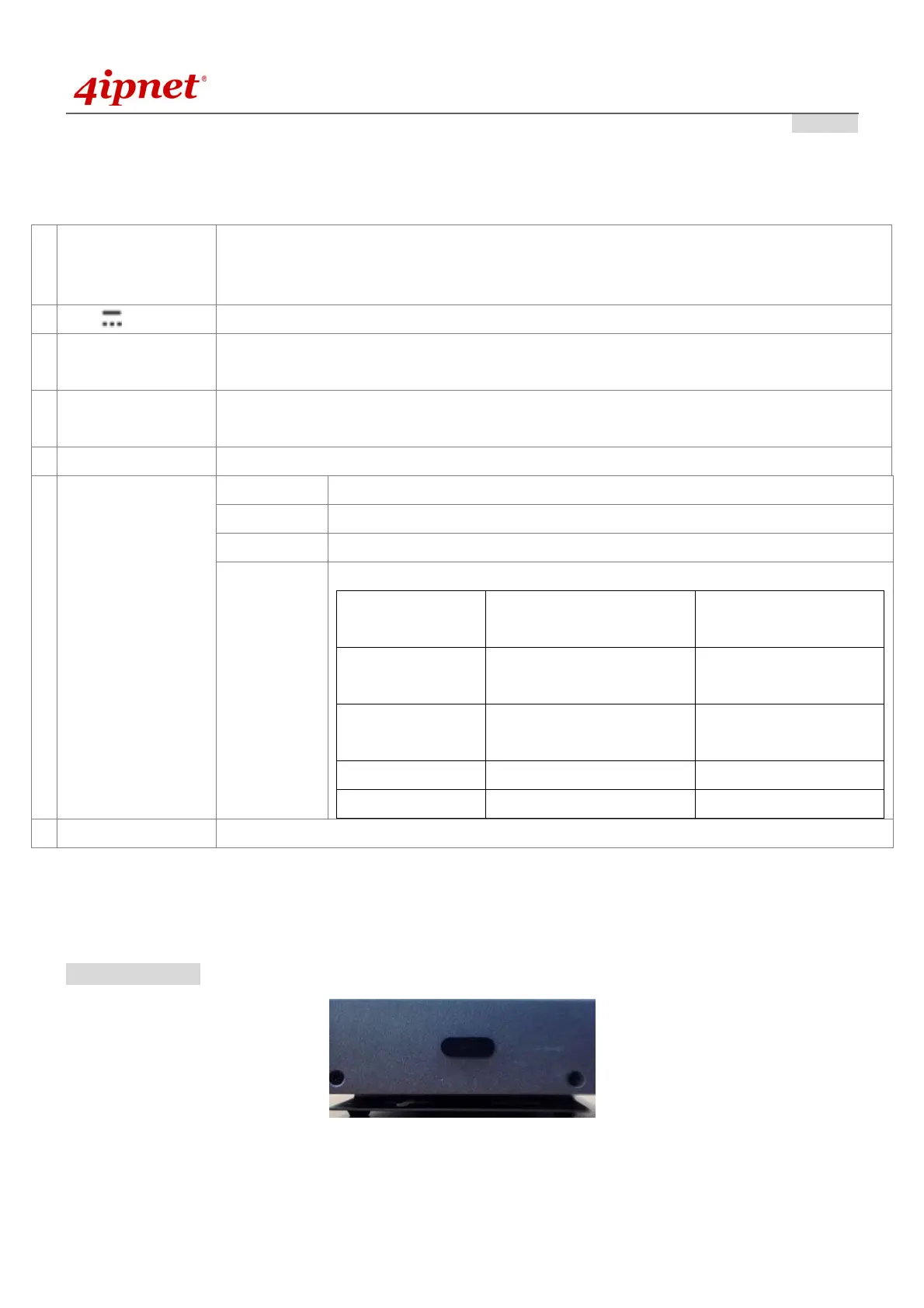
On the right side of the panel there is a Kensington slot. Admin can also fill it with a rubber plug.



 To Next Page