Quick Installation Guide
EAP220 Enterprise Access Point ENGLISH
Copyright © 4IPNET, INC. All rights reserved.
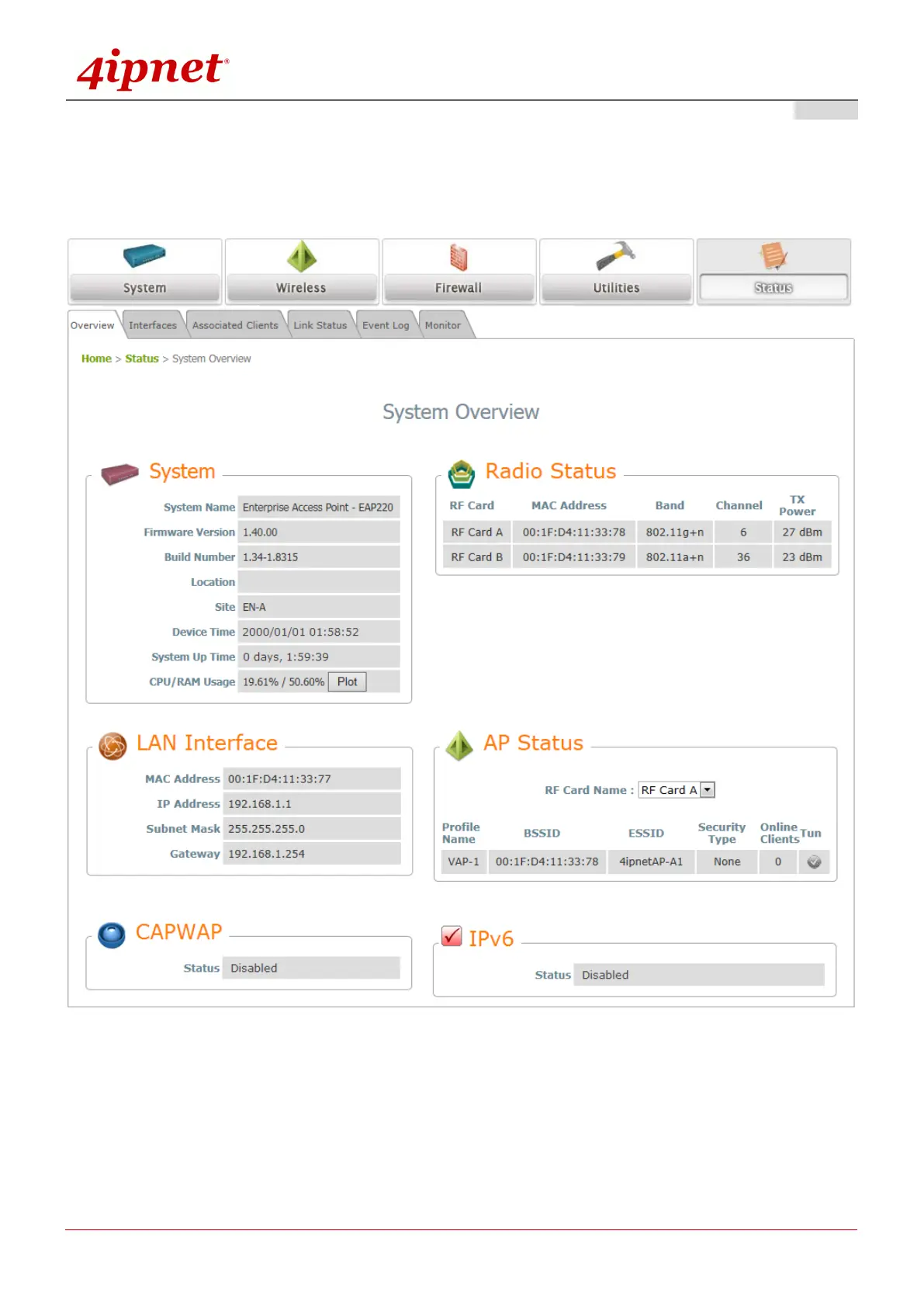
4. After a successful login to EAP220, a System Overview page of the Web Management Interface will
appear, as depicted below. The Radio Status and AP Status for modules on both RF cards will be shown.
The Web Management Interface - System Overview Page
5. To logout, simply click on the Logout button at the upper-right corner of the interface to return to the
Administrator Login Page. Click OK to logout.



 To Next Page