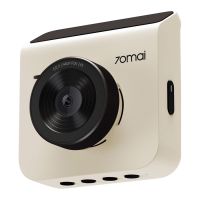
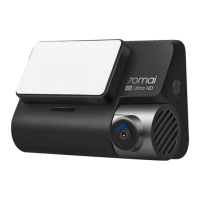
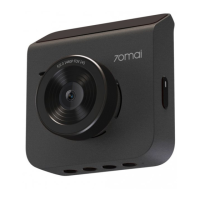
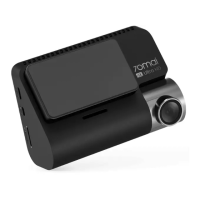
3
Dear customer,
Thank you for purchasing our product. Please read the following instructions carefully
before first use and keep this user manual for future reference. Pay particular attention
to the safety instructions. If you have any questions or comments about the device,
please contact the customer line.
www.alza.co.uk/kontakt
✆ +44 (0)203 514 4411
Importer Alza.cz a.s., Jankovcova 1522/53, Holešovice, 170 00 Praha 7, www.alza.cz
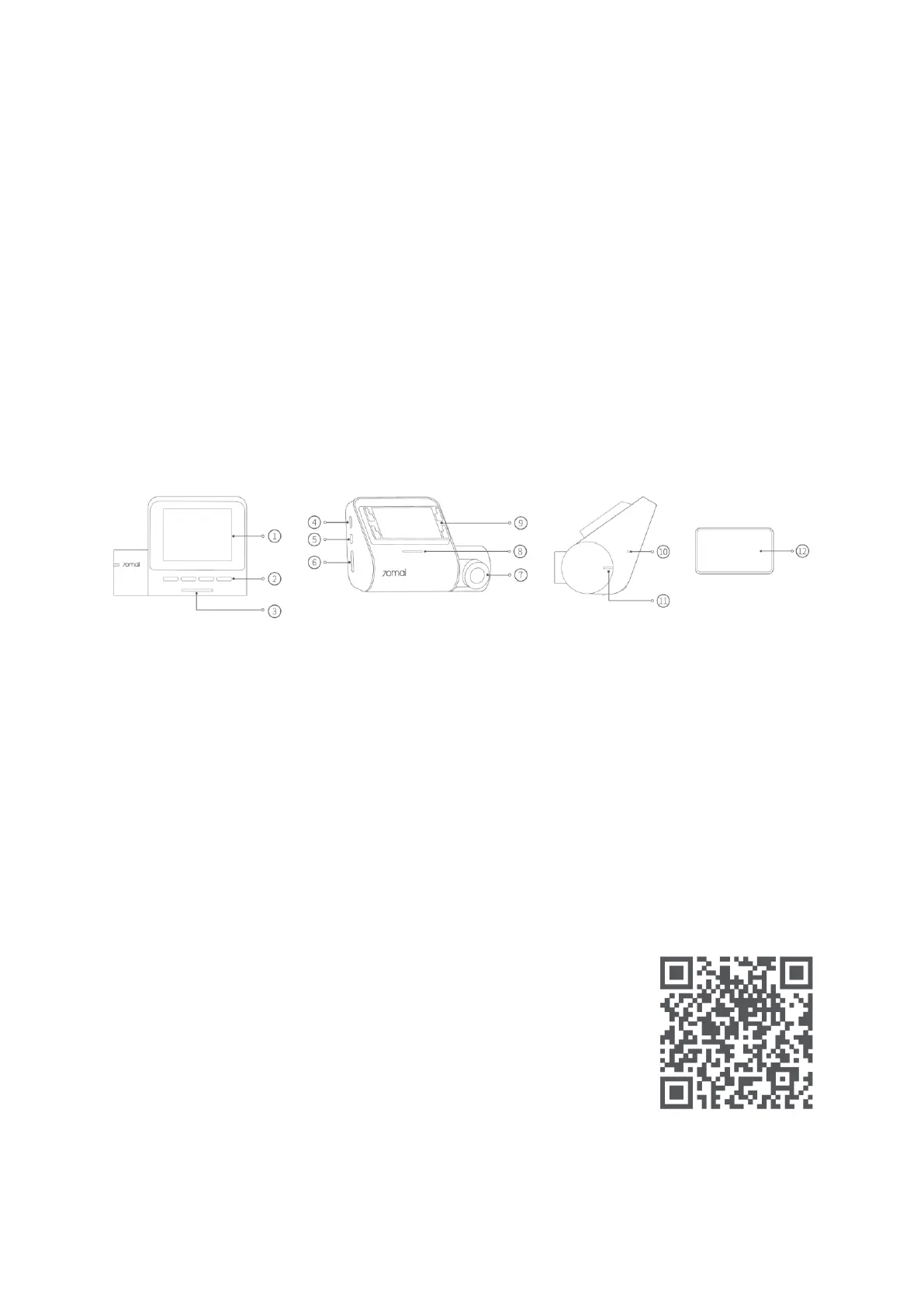
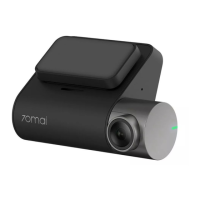
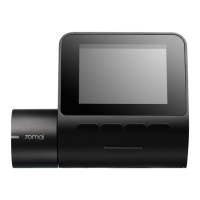
Product Overview
1. Display screen
2. Function buttons
3. Power button
4. Power port
5. Rear camera port
6. Memory card slot
7. Camera
8. Speaker
9. Mount slot
10. Microphone
11. Indicator light
12. Adhesive sticker
Note: Illustrations of the product, accessories, and user interface in the user manual are
for reference purposes only. The actual product and functions may vary due to product
enhancements.
Download 70mai app
This product may be used in conjunction with the 70mai app. You
can download and install the app by scanning the QR code or
searching for “70mai” in your phone’s app store.
Note: Android 5.0 or iOS 11.0 or above is required to connect to
the dash cam’s Wi-Fi hotspot with a mobile phone.


 To Next Page