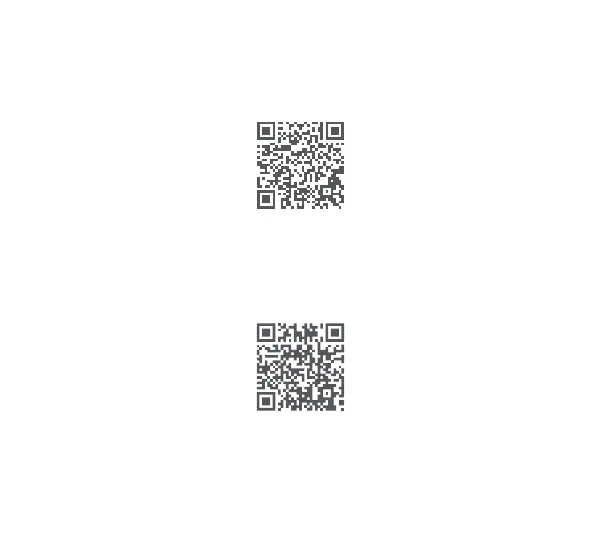
Please scan the QR code below to get the online user guide. Please use the product according to the
instructions in the user guide.
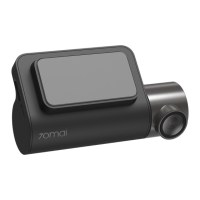
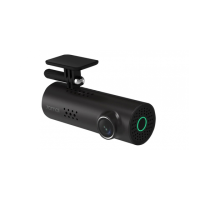
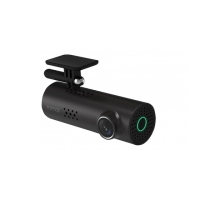
70mai Smart Dash Cam 1S Wi-Fi hotspot:
Hotspot name:70mai_d06_XXXX(Please check the label on the device for the hotspot name.)
Default password:12345678
Please refer to the online user guide for how to establish a connection.
Install APP
Please use the product with the 70mai app. To download and install the app, search for “70mai”in Google
Play Store (Android) or App Store (iOS).
Or you can download the app by scanning the QR code below:
User guide
4


 To Next Page