29
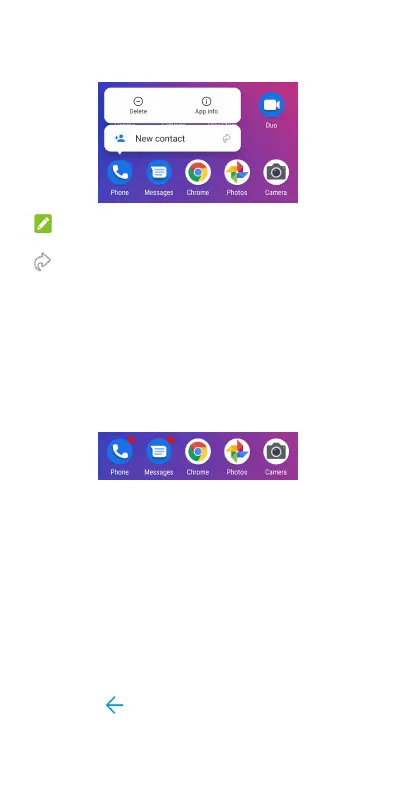
2. From the displayed menu, touch the function
you want to use in the app.
NOTE:
You can also touch and hold a function with the icon
next to it, an d drag it to a home screen pa nel to
create a shortcut of the function.
Notification Dots
Some apps will display a dot when they have
notifications. Touch and hold an app with a dot on
the home screen or the app list screen to preview
its notifications. You can swipe a notification left or
right to dismiss it.
To turn on/off notification dots for all apps:
1. Open Settings and touch Notification &
status bar.
2. Touch the Allow notification dots switch to
turn it on or off.
To turn on/off notification dots for specific
apps:
1. Open Settings and touch Notification &
status bar.
2. Switch on Allow notification dots.
3. Touch
at the top left and then touch
Apps > SEE ALL [number] APPS.



 To Next Page