Maintenance
11
Clean Fan Screen
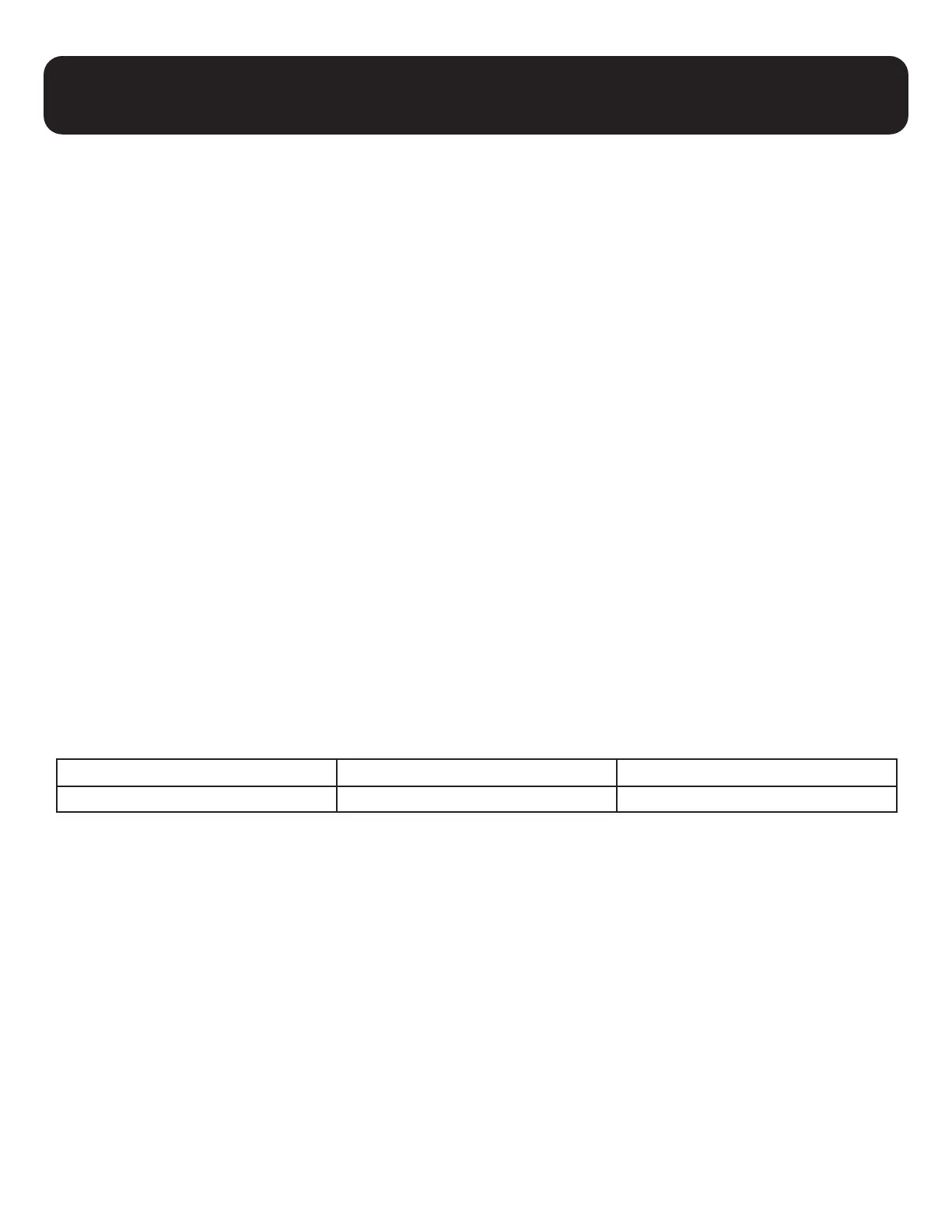
Clean fan screen every 2 to 4 weeks as needed. If ozone generator is installed in poor
air quality area with dust, the screen must be cleaned as needed in order for air to pass
through the unit and cool the parts inside the generator.
• Turn the ozone generator off and unplug the unit
• Remove the back fan guard and screen. To do this, pull out the corner
• Clean sponge screen with soap and water
• Rinse
• Dry sponge screen thoroughly with a clean towel
• Reinstall the screen and fan guard
• Plug the unit in and turn the ozone generator on
• Be sure the screen does not touch the fan blade
Changing Fuse
The outside fuse is located near the back rocker switch. The ozone board fuse is located on
the back left of the board.
See the table below for details:
Unit Outside Fuse (AMPs) Ozone Board Fuse (AMPs)
MP-3000 3A 5A


 To Next Page