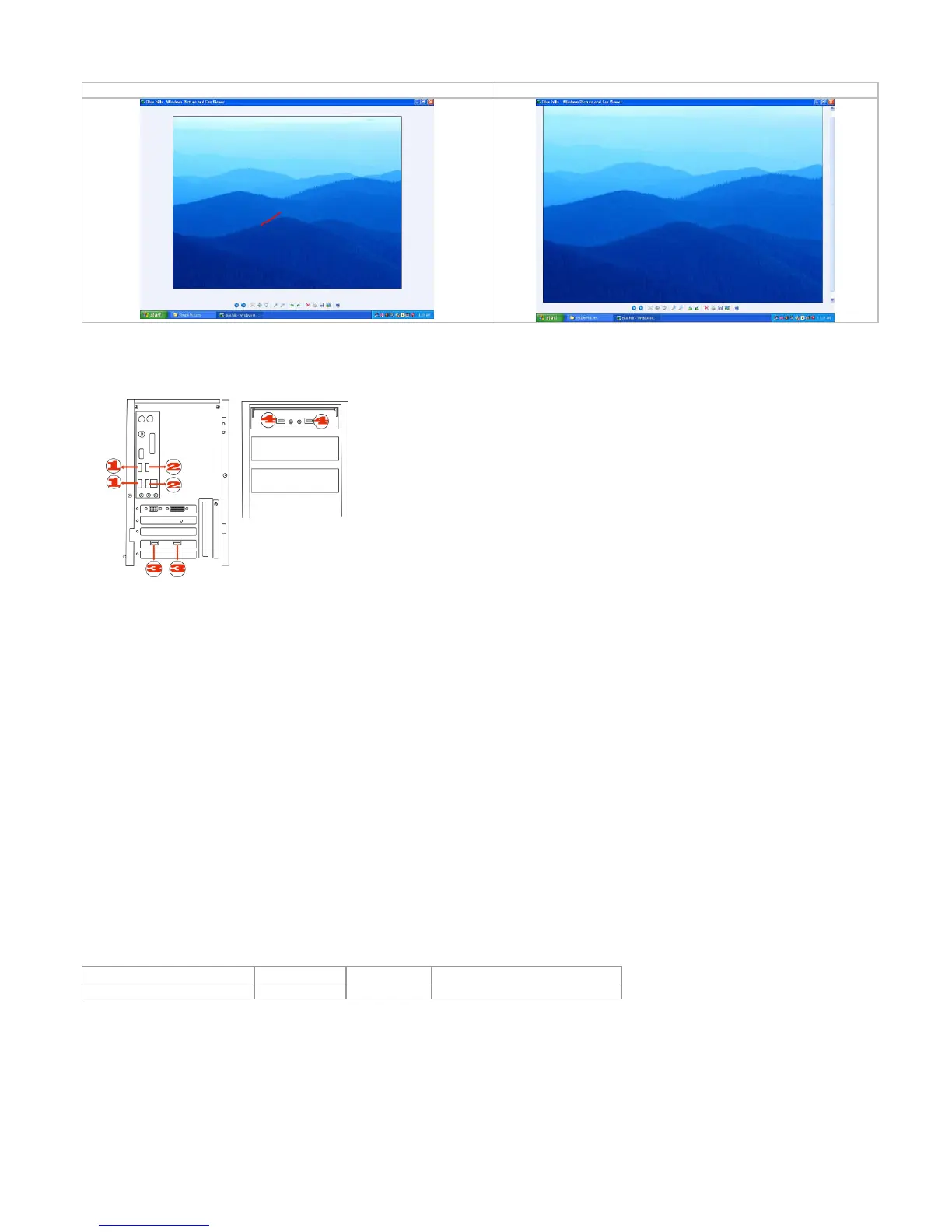
Windows Picture and Fax Viewer
, the picture has been enlarged
To ensure that your mouse sends and receives perfectly, please read bel
ow instructions for your reference:
To get optimal performance, please plug the Nano
to avoid shielding wireless signal when plac
Use USB extension wire to position t
receiver at a far location to prevent electromagnetism interference from devices
. Avoid using the wireless mouse on a metal surface. Metals such as iron, aluminum, or copper
hield the radio frequency
slow down the mouse’s response time or cause the mouse to fail temporarily.
The radio frequency is 2.4
it is safe for our bodies, but please be cautious in using cardiac pacemaker or other body auxiliary
1. Make sure the mouse is on.
2. Check battery and battery installation.
3. Check receiver installation.
Need help with technical support? Please go to:
http://www.a4tech.com/ennew/support.asp
and our support team will respond within 72 hours.
**Features and specifications of all A4 TECH products are subject to change without notification.



 To Previous Page