Knowing the Product
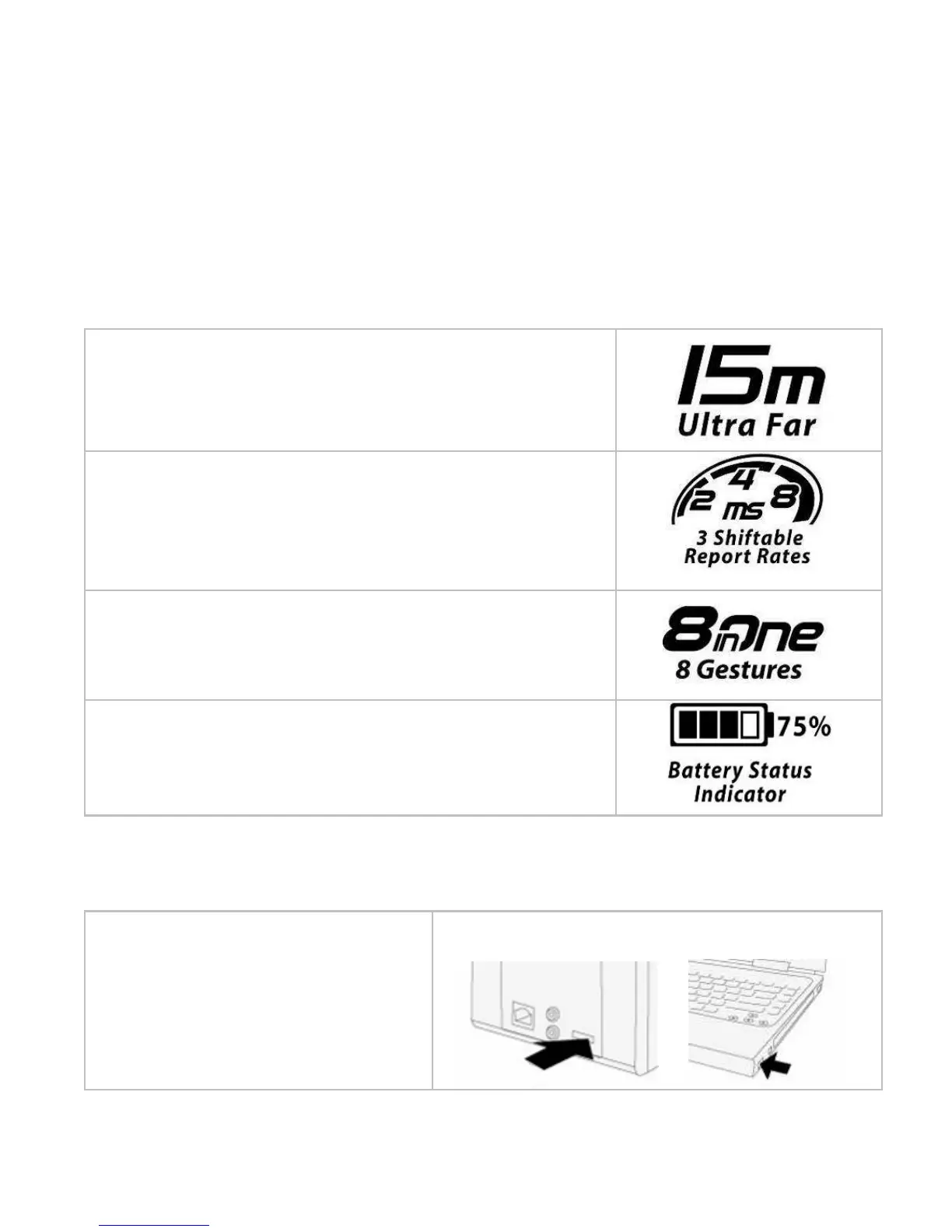
Far Range Up to 15 Meters
X-Far Wireless range ensures more operation
freedom.
(Note: Actual operating distance may vary and
depend on working environments)
3 Shiftable Report Rates for power saving,
Ensures No Lag Response
Instantly shifts mouse report rate between 8/4/2 ms for
power saving and delivers smooth, accurate cursor
control.
8 Gestures in Right Button
The mouse allows you get 8 functions on “Right”
button.
Battery Status Indicator
Aware of the battery power anytime with A4 Tech’s
uniquely designed “8 in Right” software
Hardware Installation
1. Pull out the Nano-Receiver from
the bottom of mouse.
2. Plug Nano-receiver into USB port of your
computer or notebook.



 To Next Page