25%
1.0~1.05
V
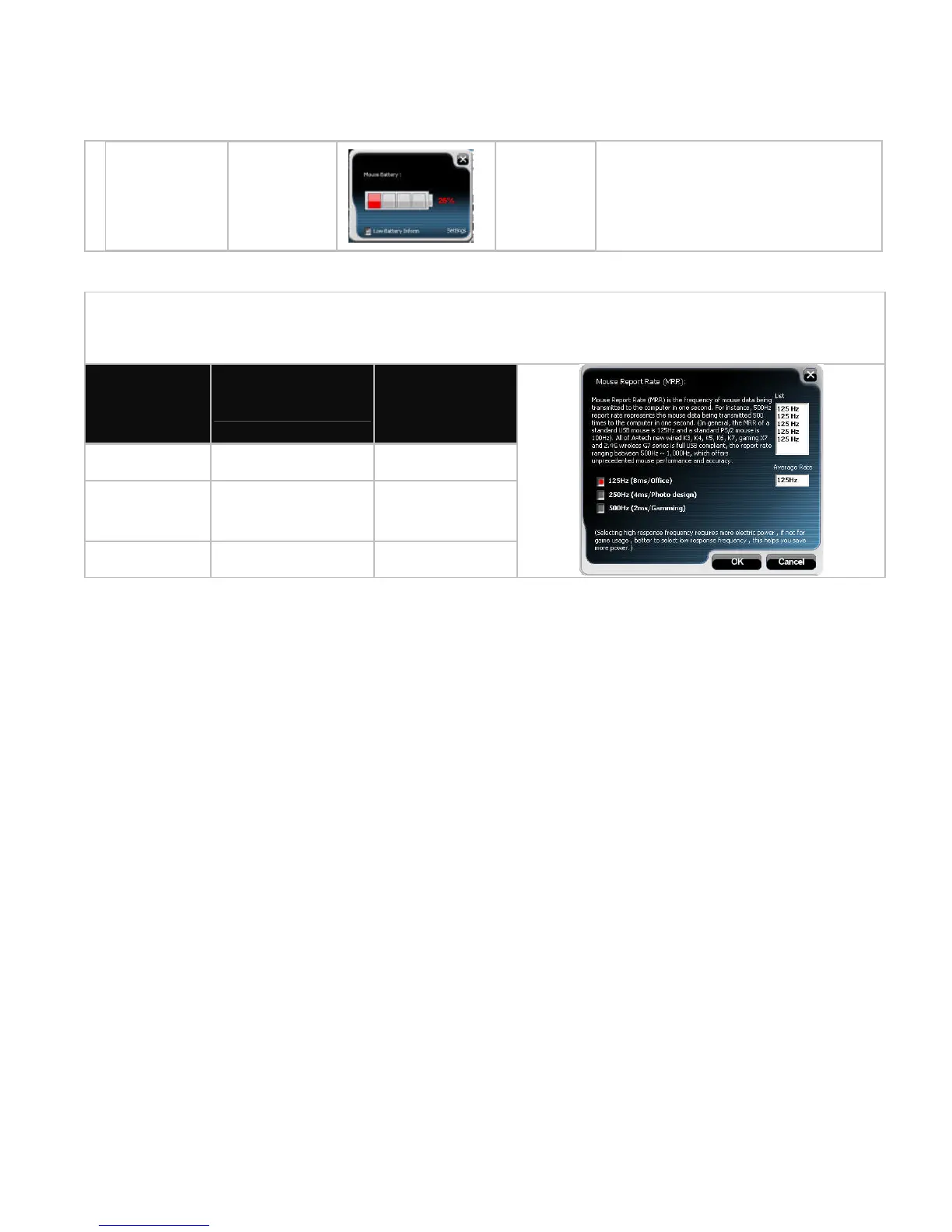
D. Three Shiftable Report Rates
F. Set RF Channel to Avoid Wireless Interference
In case there are many wireless mice working in the adjacent area, you may set a specific
channel so as to avoid wireless interface, hence ensures better wireless communication
quality.
There are 3 report rates can be preset for high sensitive response time of 2/4/8
milliseconds, it improves cursor delay and jumping problems of wireless mouse, saves
power in working and increases accuracy playing the games.
Mouse
Report Rate
Response Time
Suitable
Range
500Hz 2ms Game
250Hz 4ms Photo design
125Hz 8ms Office



 To Next Page