B. How to Pair the X-Far Wireless Devices
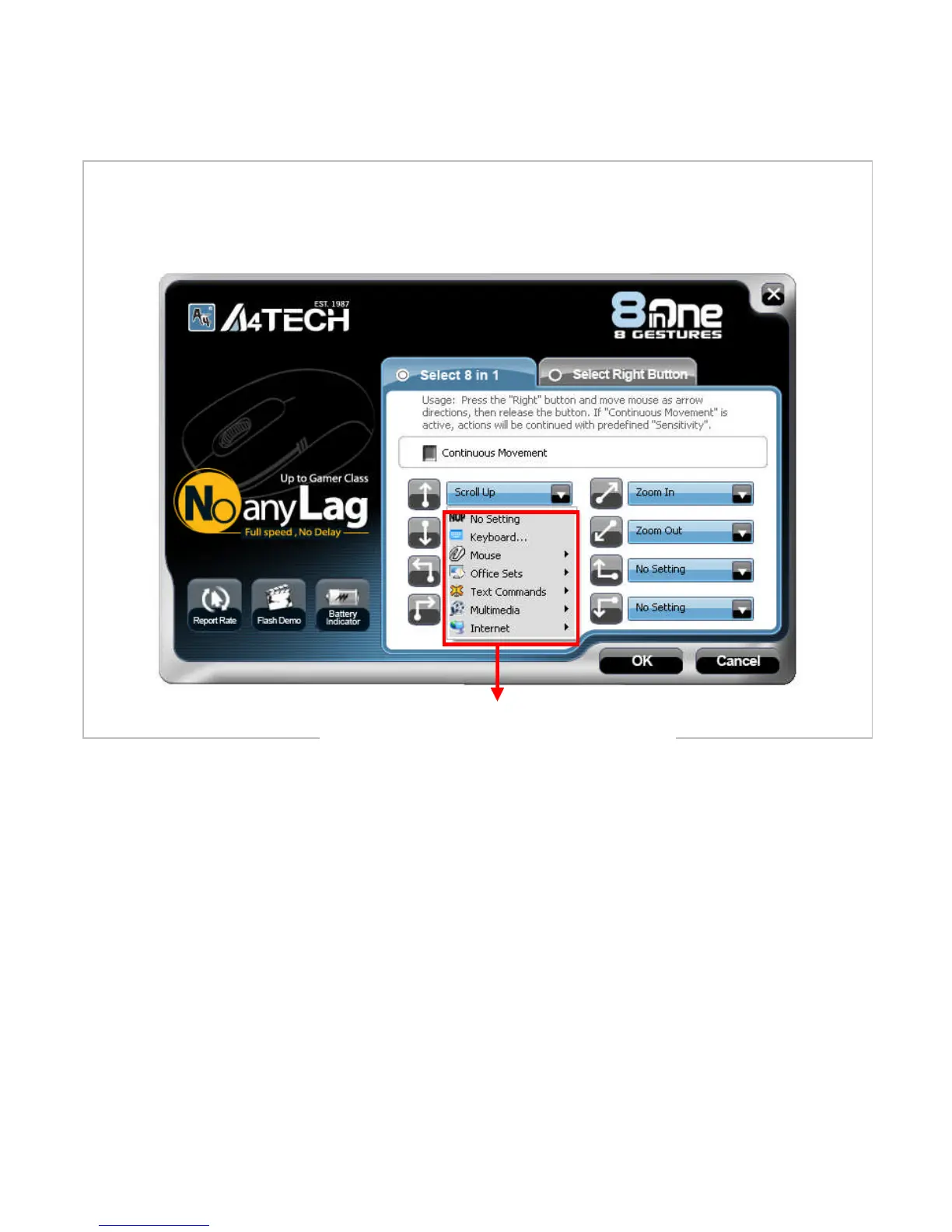
From the “task pull-down” menu of each arrow direction, you can select “keyboard,
mouse, office sets, key combinations, multimedia and internet” 6 main function
categories and there are more than 30 different functions that are ready for your
immediate selection.
Task Pull-down Menu



 To Next Page