15
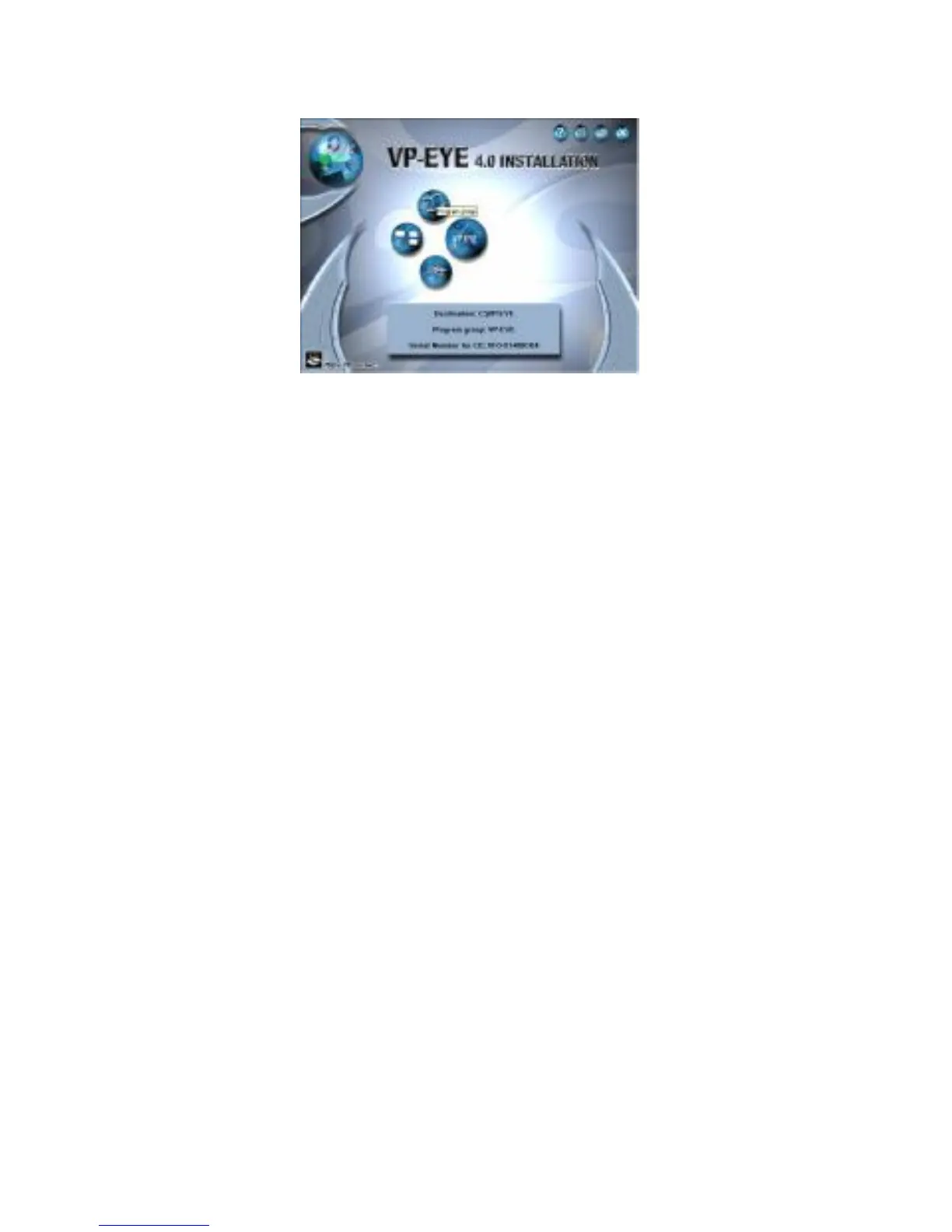
l Click " program assembly names " by moving mouse
cursor , now ,you can name or modify the default name
under " My Computer -Start -all Programs " for the
convenience to run.
l When you click " VP-EYE application " by moving the
mouse cursor ,this means that you can start to install 7
usual applications in "VP-EYE" for the default installation.
l Click " Installation" option by moving mouse cursor , this
means that you can execute the virtual & optional
installation as per 7 usual applications in "VP-EYE"
l Click "Select catalogue" by moving mouse cursor. this
means that you can select the disk types and directory for
installation.


 To Next Page