23
It is a powerful and easy-to-use program for editing and converting
video data. The user interface is simple. It may convert the photos
acquired by digital camera into a video file. You may also add photo
in the video stream or put two video streams into one. It allows you
to add music and record the sound into the video file. Anyone can
enjoy the fun of making video file by a few steps of this program!
If you need more information about VP-EYE please log onto
website : http://www.mmedia.com.tw
l Troubleshooting
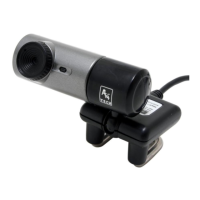
Question 1: Computer can’t detect the View Cam
Solving Method: Check if computer’s OS (Operating System),
BIOS, USB Port or installation errors occurs.
Steps: Windows 95 doesn’t support USB port. You have to
update your OS to Windows 98 or above to support USB port and
ensure BIOS Setup and USB settings are available. If the problem
still occurs, please try connecting the USB ViewCam to your
machine via another USB socket.


 To Next Page