6
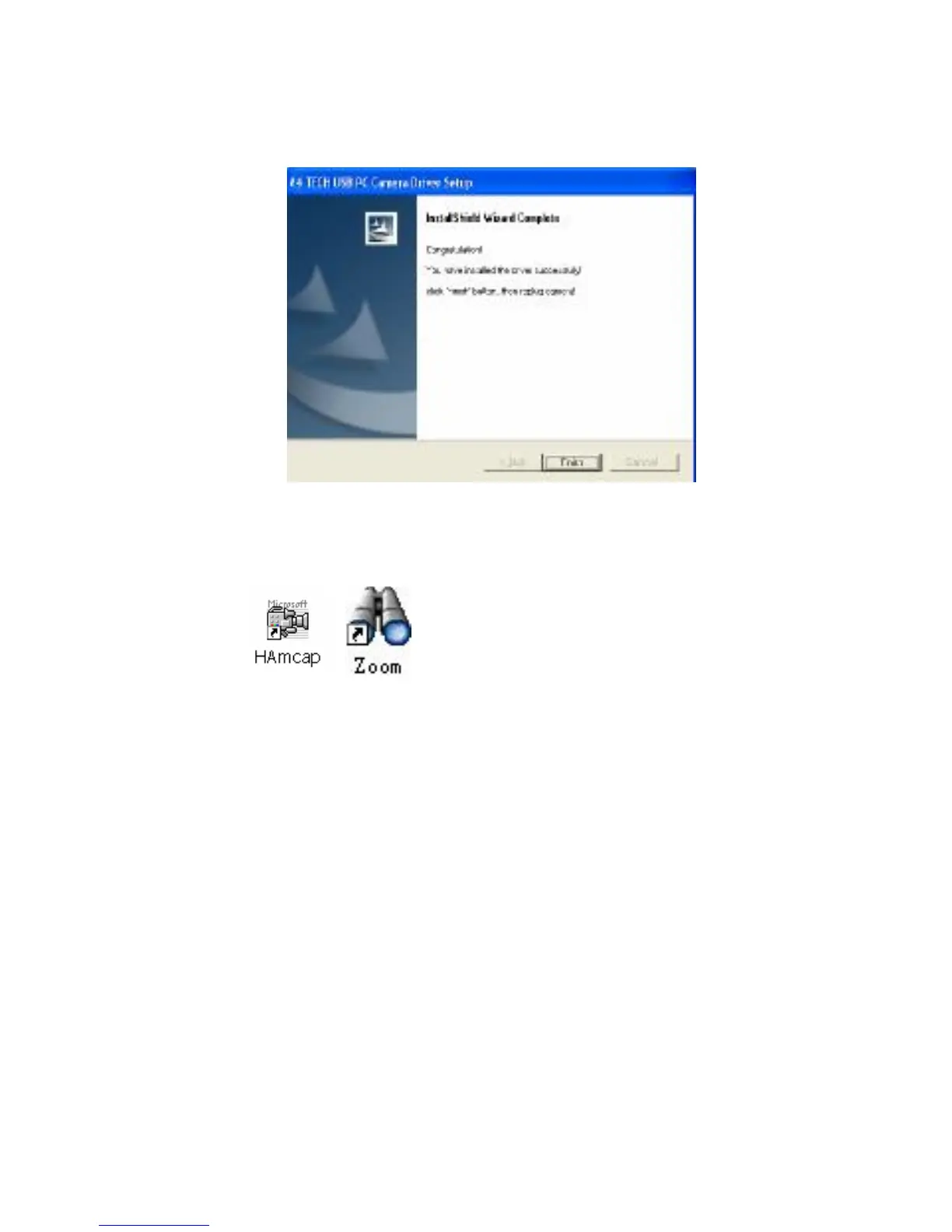
4. When the Installation Process is completed
5. Click “Finish” to complete installation. Now, the shortcut
Amcap and Zoom images will appear on the computer
desktop
6. Plug the PC Camera’s USB cable to the computer’s USB
Port, and restart your computer.
Amcap Usage
After installation of view cam driver, you can pre-view image and
set the adjustments for the properties sheet through the image
application software which comes with the product.


 To Next Page