5
Step Three: Connecting the ABM-200 to the app.
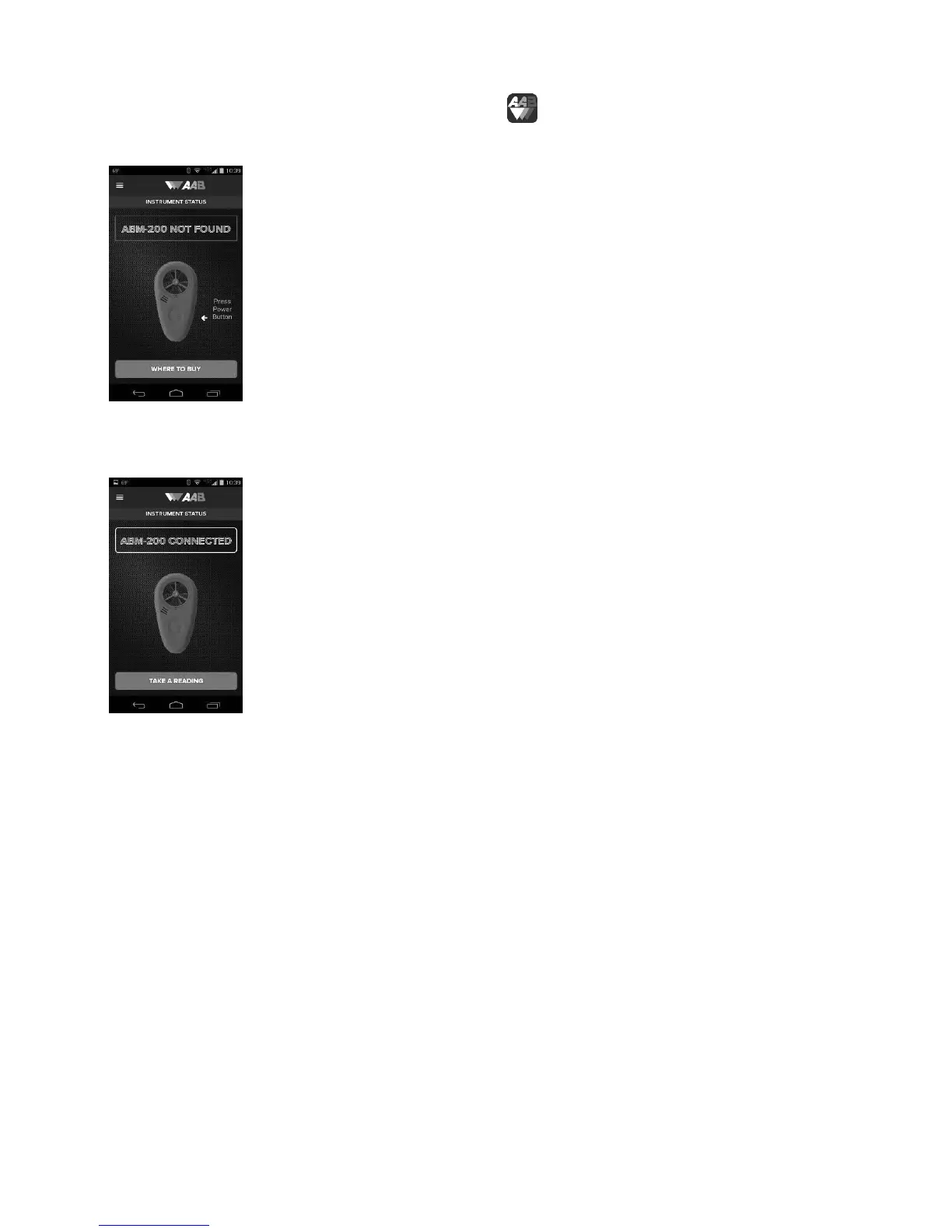
Start the app by selecting ABM-200 blue icon in the app list. This will bring you to
the start screen.
On the ABM-200, press the power button marked with the AAB logo. The app screen
will change to show the device is connected and ready to take readings.
The ABM-200 is now paired with the smartphone and ready for use.
Turning the app off: For android, press the phone’s back button twice. For Apple,
Turning the ABM-200 off: Hold the power button 3 seconds. The ABM-200 will also
shut off automatically after 30 seconds, when not connected to the app.


 To Next Page