4
First Connection
Step One: On your smartphone, go to Apple App Store or Google Play and
download the AAB Smart ABM-200 app marked with a blue icon .
When installing the app, your smart device will ask for you to approve certain
permissions such as access to your contacts. This is necessary in order to email
reports directly from the app. It will ask for access to your location, this is for
geotagging your location. It will ask for access to your photos, this gives you the ability
to add your company logo to reports. None of the items granted for access is used for
any purpose other than your use of the meter. AAB does not gain access to, receive
or retrieve any of your personal data or information.
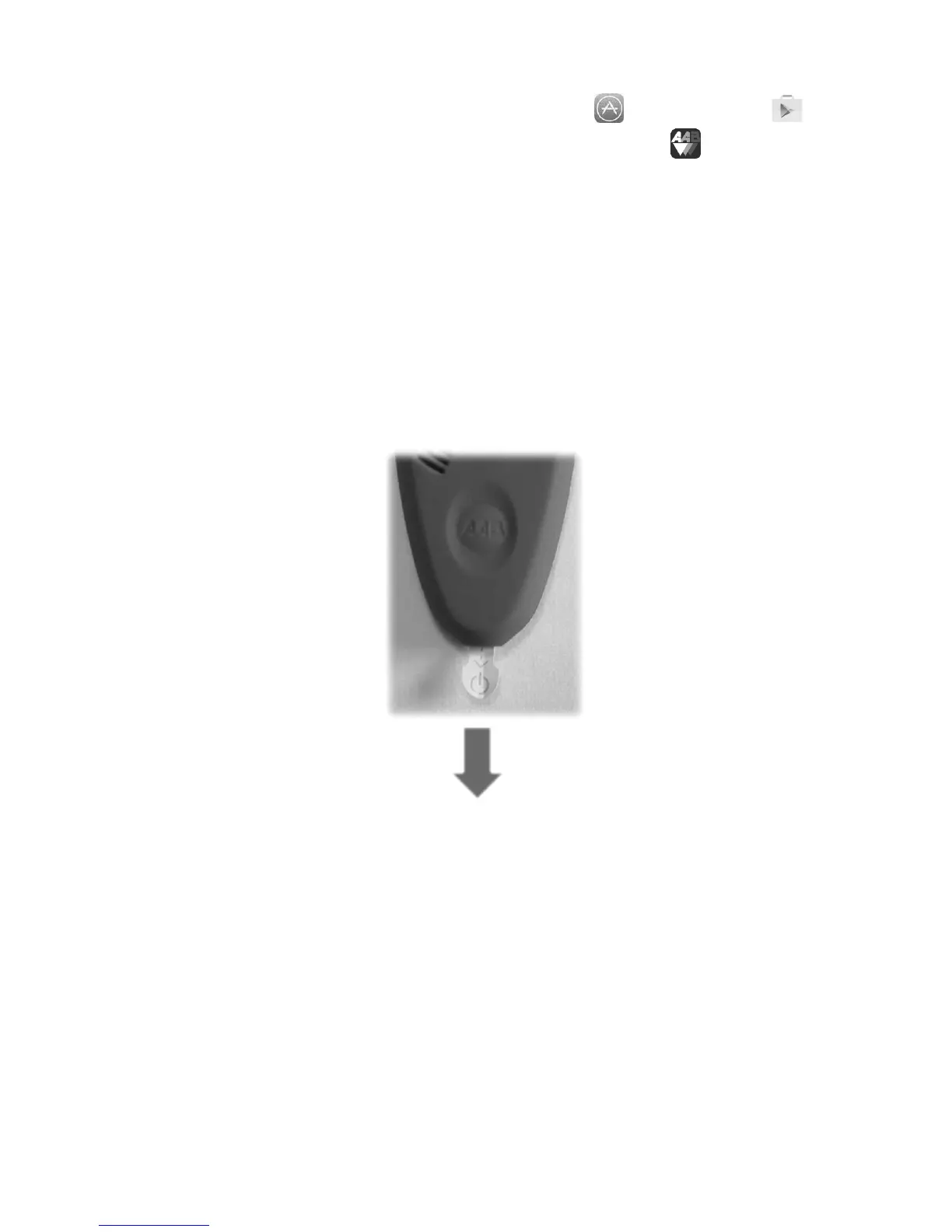
Step Two: In preparing your new ABM-200 for use, remove the white plastic
tab/battery insulator. To do so, simply pull the white and green tab in the direction of
the arrow.


 To Next Page