9
Cleaning
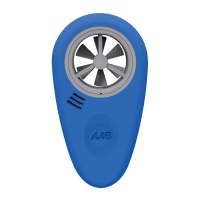
To clean the ABM-200, start by removing the blue sleeve (see Changing the Battery).
Use a damp rag with mild detergent and wipe down exterior. Do not clean with the
sleeve on the ABM-200, as water could enter the sensor port, causing damage and
voiding the warranty.
Storage
The ABM-200 is to be stored out of direct sunlight in temperatures between 32° and
95° F (0° and 35° C).


 To Next Page