2-17
Chapter 2: Motherboard information
CAUTION: Do not forget to connect the fan cables to the fan connectors.
Insufcientairowinsidethesystemmaydamagethemotherboard
components.Thesearenotjumpers!Donotplacejumpercapsonthefan
connectors!
NOTE: TheCPU_FANconnectorsupportsaCPUfanofmaximum2A(24W)
fan power.
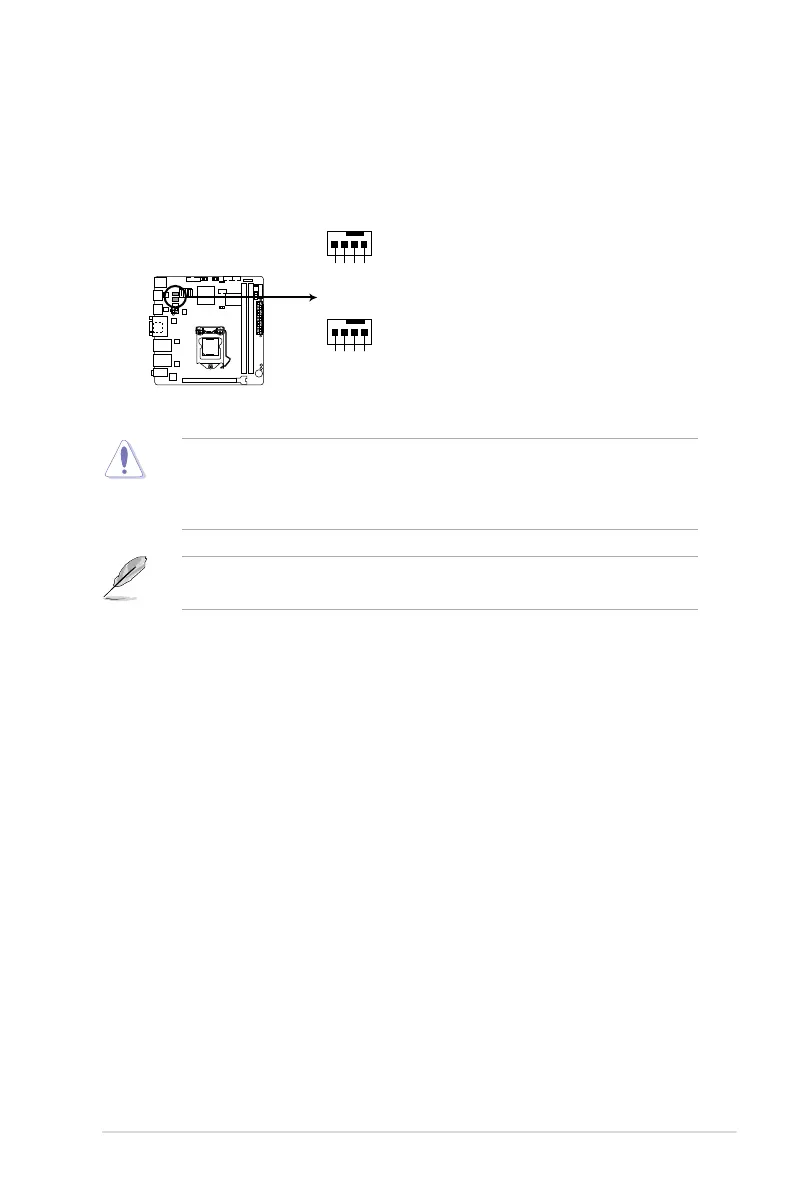
2. CPU and system fan connectors (4-pin CPU_FAN1, 4-pin SYS_FAN1)
Connectthefancablestothefanconnectorsonthemotherboard,ensuring
that the black wire of each cable matches the ground pin of the connector.
EMB-B75A Fan connectors
SYS_FAN
PWM
SENSE
VCC
GND
CPU_FAN
PWM
SENSE
VCC
GND



 To Next Page