32
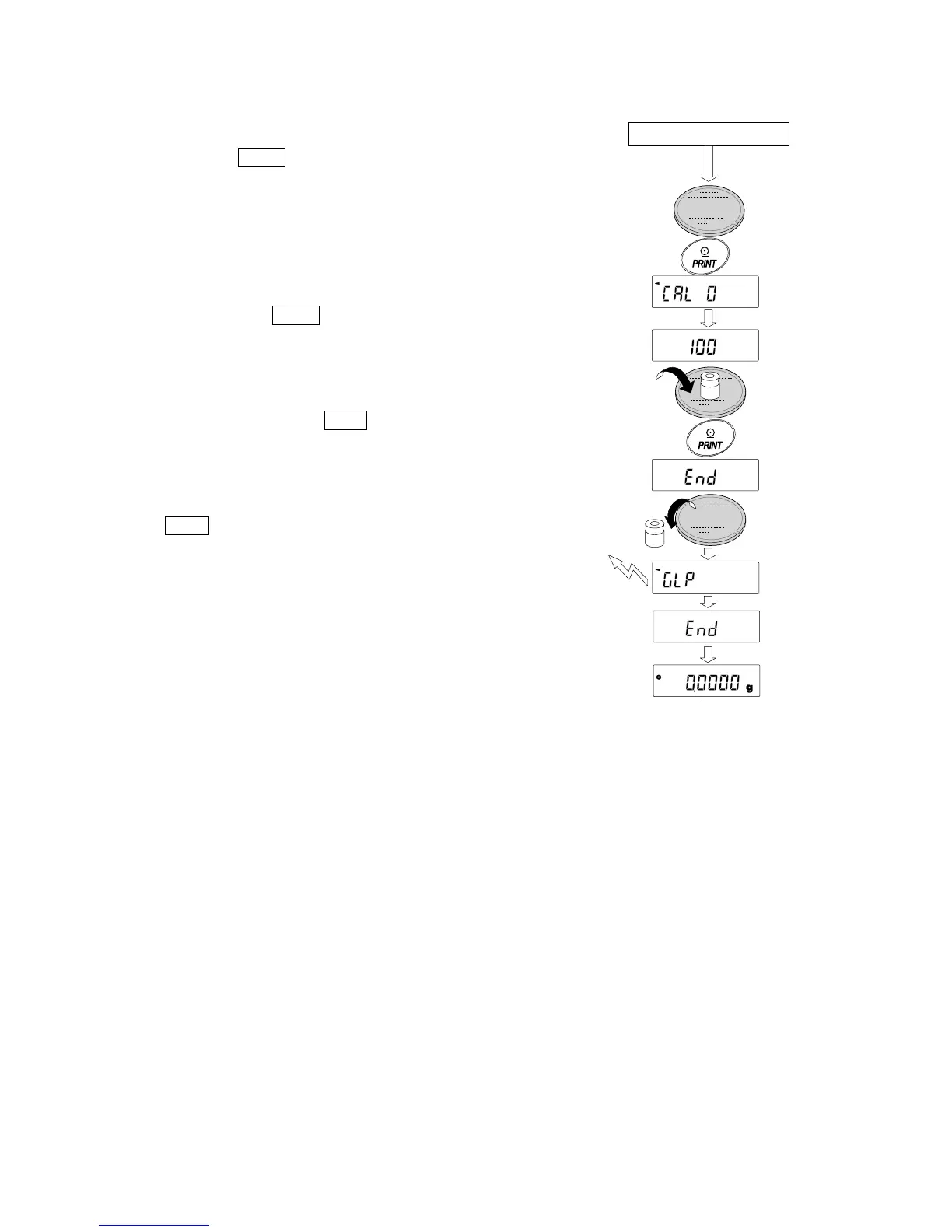
5 Confirm that there is nothing on the pan and
press the PRINT key. The balance measures the
zero point. Do not allow vibration or drafts to affect
the balance.
The balance displays the calibration weight value.
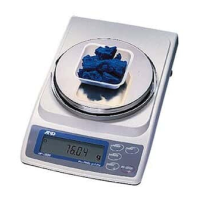
6 Place the displayed calibration weight on the pan
and press the PRINT key. The balance measures
the calibration weight. Do not allow vibration or
drafts to affect the balance.
7 The balance displays end . Remove the weight
from the pan.
8 When the GLP output is set, the balance displays
1 glp and outputs “Calibration Report”.
9 The balance will automatically return to the
weighing mode.
10 Place the calibration weight on the pan and confirm
that the value displayed is within ±2 digits of the
specified value. If it is not within the range, check
the ambient conditions such as drafts and vibration,
also check the weighing pan. Then, repeat steps 1
to 9.
Calibration
weight
From previous page
GLP output



 To Next Page