EasyManua.ls Logo

A&D HR-100AZ - User Manual

A&D HR-100AZ
88 pages
Print Icon
To Next Page IconTo Next Page
Loading...
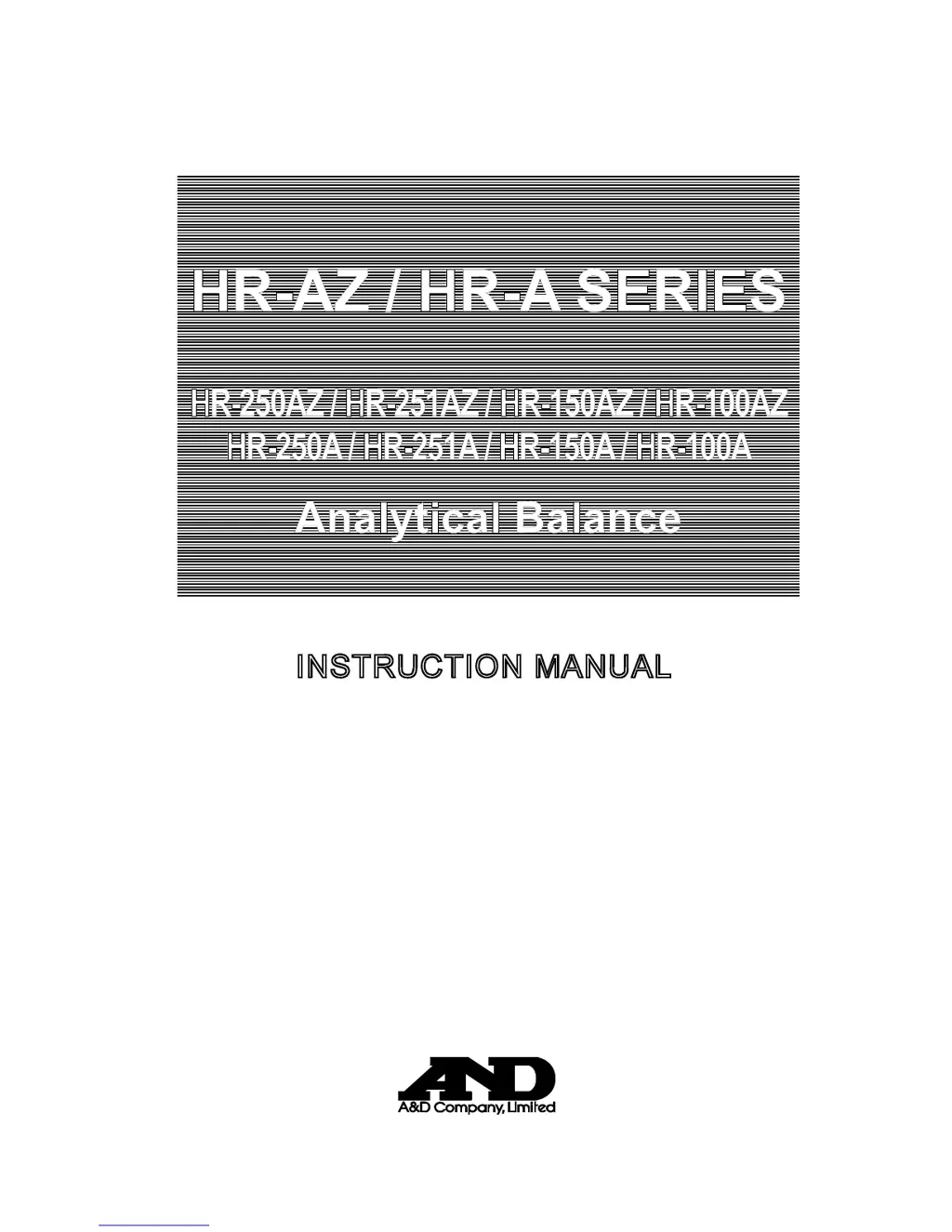
HR-AZ / HR-A SERIES
HR-250AZ / HR-251AZ / HR-150AZ / HR-100A
Z
HR-250A / HR-251A / HR-150A / HR-100A
Analytical Balance
1WMPD4002375A
INSTRUCTION MANUAL

Table of Contents

Questions and Answers

  • D
    David MathewsSep 4, 2025
    What does 'Communications error' mean on A&D HR-100AZ Scales, and how to fix it?
    • E
      Erin DixonSep 4, 2025
      A 'Communications error' on your A&D Scales indicates a protocol error occurred in communications. To resolve this, confirm the format, baud rate, and parity.
  • M
    Mrs. Paula TerrySep 18, 2025
    What to do if A&D HR-100AZ display other errors?
    • J
      John RoachSep 18, 2025
      If the errors described above cannot be resolved or other errors are displayed, contact the local A&D dealer.
  • W
    woodtamaraSep 16, 2025
    What does 'Parameter setting error' mean on A&D HR-100AZ Scales, and how to correct it?
    • K
      Kayla EllisSep 16, 2025
      A 'Parameter setting error' on your A&D Scales means the received data exceeds the range the balance accepts. Confirm the parameter range of the command.
  • S
    samantha16Sep 14, 2025
    What does 'Format error' mean on A&D HR-100AZ Scales, and how to resolve it?
    • C
      Craig JeffersonSep 14, 2025
      A 'Format error' on your A&D Scales indicates that a command includes incorrect data. To fix this, confirm the command being used.
  • M
    Mrs. Renee GarciaSep 13, 2025
    What does 'Excess characters error' mean on A&D HR-100AZ, and how to resolve it?
    • R
      Renee HoweSep 13, 2025
      An 'Excess characters error' on your A&D Scales means the balance received too many characters in a command. Review and confirm the command being sent.
  • Z
    Zachary SalazarSep 12, 2025
    What does 'Timeout error' mean on A&D HR-100AZ, and how can I fix it?
    • S
      Sheila NelsonSep 12, 2025
      A 'Timeout error' on A&D Scales means that the balance didn't receive the next character of a command within one second. Verify the communication setup.
  • D
    David ValdezSep 9, 2025
    What does 'Not ready' mean on A&D HR-100AZ, and how to fix it?
    • W
      Walter WalkerSep 9, 2025
      If your A&D Scales display 'Not ready', it means a received command cannot be processed. Adjust the delay time to transmit a command.
  • D
    davismichaelSep 7, 2025
    What does 'Undefined command error' mean on A&D Scales, and how do I fix it?
    • D
      David SmithSep 7, 2025
      An 'Undefined command error' on your A&D Scales means an undefined command was received. Confirm the command to resolve this.
  • J
    joshuaaliSep 6, 2025
    What does 'Battery error for clock' mean on A&D HR-100AZ Scales, and how to resolve it?
    • D
      dennismelanieSep 6, 2025
      A 'Battery error for clock' on your A&D Scales means the back-up battery power for the clock was lost completely. After pressing a key, adjust the date and time. Even if the back-up battery power is lost, the balance performance will be normal. If this error appears frequently, repair is required.
  • J
    Jose GreenAug 21, 2025
    What to do if A&D HR-100AZ show a stability error?
    • R
      ronaldcochranAug 21, 2025
      If your A&D Scales display a stability error, it is likely due to an environmental problem. To resolve this, prevent vibration, drafts, temperature changes, static electricity, and magnetic fields. Refer to section '3. PRECAUTIONS' for detailed information on the operating environment and section '7. RESPONSE ADJUSTMENT' for adapting the balance to the environment. To return to the weighing mode, press the CAL key.

Summary

1. Introduction

1-1 About This Manual

Overview of the manual's structure and content.

1-2 Features

Key attributes and capabilities of the HR-AZ/HR-A series balance.

1-3 Compliance

Information regarding FCC rules and EMC directives.

2. Unpacking the Balance

2-1 Unpacking

Instructions for safely removing the balance from its packaging.

2-2 Installing the Balance

Steps for correctly setting up the balance on a stable surface.

3. Precautions

3-1 Before Use

Guidelines for optimal installation environment and initial setup.

3-2 During Use

Best practices for accurate weighing and preventing errors.

3-3 After Use

Recommendations for maintenance and care after operation.

3-4 Power Supply

Information on connecting and using the AC adapter.

5. Weighing Units

5-1 Units

Lists available weighing units and their conversion factors.

5-2 Storing Units

Procedure for selecting and arranging preferred weighing units.

6. Weighing

6-1 Basic Operation (Gram Mode)

Step-by-step guide for standard weighing procedures.

6-2 Smart Range

Explanation of automatic range switching for enhanced precision.

6-3 Counting Mode (PCS)

Method for determining the number of items based on unit mass.

6-4 Percent Mode (%)

Technique for displaying weight as a percentage of a reference mass.

6-5 Statistical Calculation Mode

How to perform statistical analysis on weighing data.

6-6 Statistical Calculation Mode (Example of Use)

Practical application of statistical calculation for mixed samples.

8. Calibration

8-1 Calibration Mode

Overview of available calibration methods and terms.

8-2 Calibration Using the Internal mass (One-Touch Calibration, only for the HR-AZ series)

Procedure for calibrating using the balance's internal mass.

8-3 Calibration Test Using the Internal Mass (Only for the HR-AZ series)

Method for testing balance accuracy with internal mass.

8-4 Correcting the Internal Mass Value: 1 (Only for the HR-AZ series)

Method 1 for correcting internal mass using external weight.

8-5 Correcting the Internal Mass Value: 2 (Only for the HR-AZ series)

Method 2 for correcting internal mass using external weight.

8-6 Calibration Using an External Weight

Steps for calibrating the balance with an external weight.

8-7 Calibration Test Using an External Weight

Procedure for testing balance accuracy with an external weight.

9. Function Switch and Initialization

9-1 Permit or Inhibit

How to protect balance parameters from unintentional changes.

9-2 Initializing the Balance

Steps to reset balance parameters to factory settings.

10. Function Table

10-1 Structure and Sequence of the Function Table

Explains the organization and navigation of the function table.

10-2 Display and Keys

Describes the display elements and function keys within the table.

10-3 Details of the Function Table

Comprehensive breakdown of function table parameters and their settings.

10-4 Description of the Class “Environment, Display

Details on parameters affecting response and display settings.

10-5 Description of the Item “Data Output Mode

Configuration options for transmitting data via RS-232C.

10-6 Description of the Item “Data Format

Explanation of various data output formats for peripherals.

10-7 Data Format Examples

Illustrative examples of data output in different formats.

10-8 Description of the Item Application Function

Settings for capacity indicator and statistical calculation modes.

10-9 Clock and Calendar Function (Only for the HR-AZ series)

How to set and use the balance's clock and calendar.

10-10 Comparator Function

Setup and operation of the balance's comparison features.

11. ID NUMBER AND GLP REPORT

11-1 Setting the ID Number

Procedure for assigning a unique ID to the balance for GLP/GMP.

11-2 GLP Report

How to configure and generate GLP/GMP compliant reports.

12. Underhook

13. Density Measurement (Specific Gravity)

14. Programmable-Unit

15. RS-232 C Serial Interface

16. Connection to Peripheral Equipment

16-1 Connection to the AD-8121 B Printer

Steps to connect and configure the balance with an AD-8121B printer.

16-2 Connection to a Computer

How to connect the balance to a PC via RS-232C or USB.

16-3 Using Windows Communication Tools (WinCT)

Guide to using WinCT software for PC communication.

17. Commands

17-1 Command List

A comprehensive list of commands for balance control and data query.

17-2 Acknowledge Code and Error Codes

Explains balance responses to commands and error notifications.

17-3 Settings Related to RS-232 C

Configuration of data output and serial interface parameters.

20. Options

18. Maintenance

19. Troubleshooting

19-1 Checking the Balance Performance and Environment

Guide to diagnosing weighing issues related to setup or environment.

19-2 Error Codes

Explains common error displays and their meanings.

19-3 Asking For Repair

Procedures and advice for seeking balance service or repair.

21. Specifications

22. External Dimensions

23. Terms;Index

A&D HR-100AZ Specifications

General IconGeneral
Stabilization TimeApprox. 2 seconds
Weighing Pan SizeØ 90 mm
DisplayLCD
Auto Power OffYes
TypeElectronic Balance
Power SourceAC adapter
Unitsg, oz, lb, kg
CalibrationAutomatic

Related product manuals