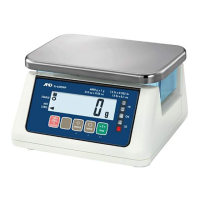
SF/SG Series Operating Instructions
3. Keypad Tare Entry
In addition to the tare adjustment described on the previous page, another tare adjustment is available.
It is to enter a TARE value with the numerical keypad.
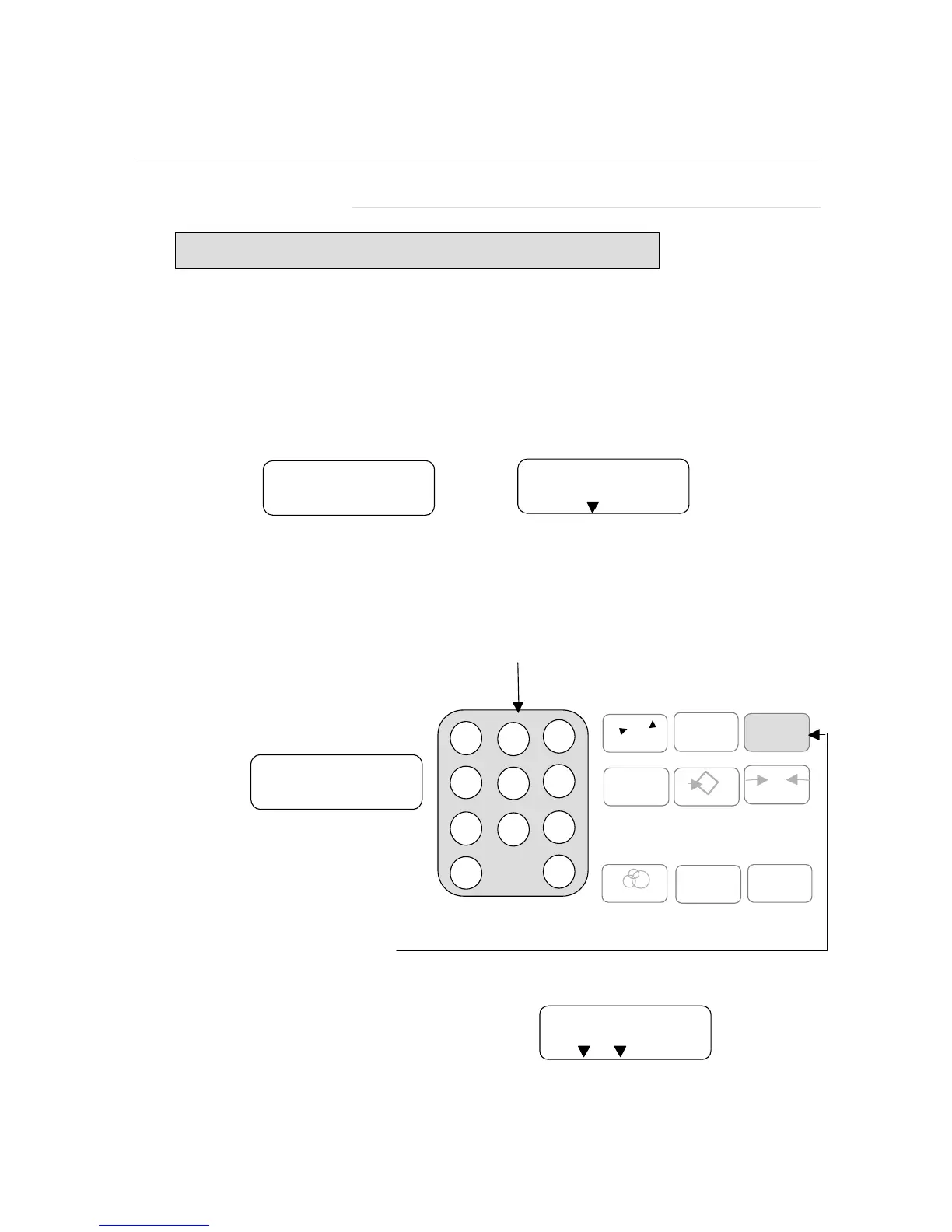
How to enter a TARE using the numerical keypad:
Step 1: With nothing on the weighing pan, turn on the SF/SG scale.
The display should read:
If a unit price has previously been entered, the display may read, for example “2.00 ”,
instead of “ 0.00 ”. This is OK.
Step 2: Enter a new TARE (e.g., 100 g) using the numerical keypad. The TARE value appears in
the UNIT PRICE display.
Step 3: Press the TARE key.
The new TARE appears in the WEIGHT display.
1.00
UNIT PRICE
7 8 9
4 5 6
1 2 3
0 C
Numerical keypad
CE
CHANGE
1
M+
ZERO
0
T
TARE
*
MEM
X
MODE
(
(
0.00
UNIT PRICE
0.000
WEIGHT
NET ZERO
SF series
Keyboard Tare continued...
6
-0.100
WEIGHT
NET ZERO
SF series
Note: Usually this function is inhibited. If necessary, please ask your dealer.



 To Next Page