34
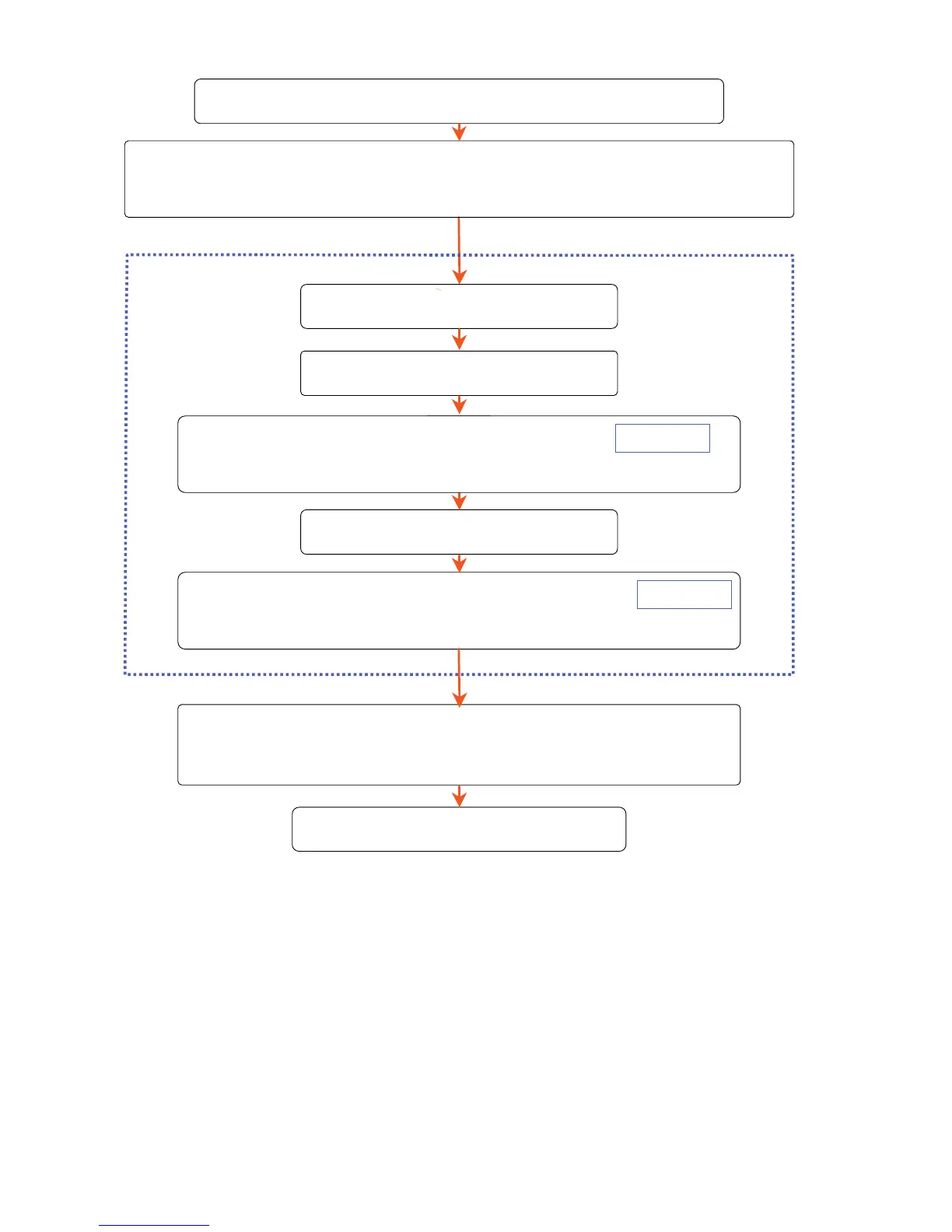
The whole procedure of use
Save A-BPM preset program.
Clean and keep the product.
Installing the batteries.
The initial settings of the built-in clock,
measurement monitor function and pressurization value.
Attach the recorder and cuff.
-BPM
(For 24 hours)
A-BPM
Suspend A-BPM by pressing and holding the EVENT
switch for 3 seconds or more again.
Connect the recorder to
dedicated peripheral
.
Data processing.
Start A-BPM by pressing and holding the EVENT
switch for 3 seconds or more.


 To Next Page