36
8.2.2.
The Clock and the Monitor Function of Measurement
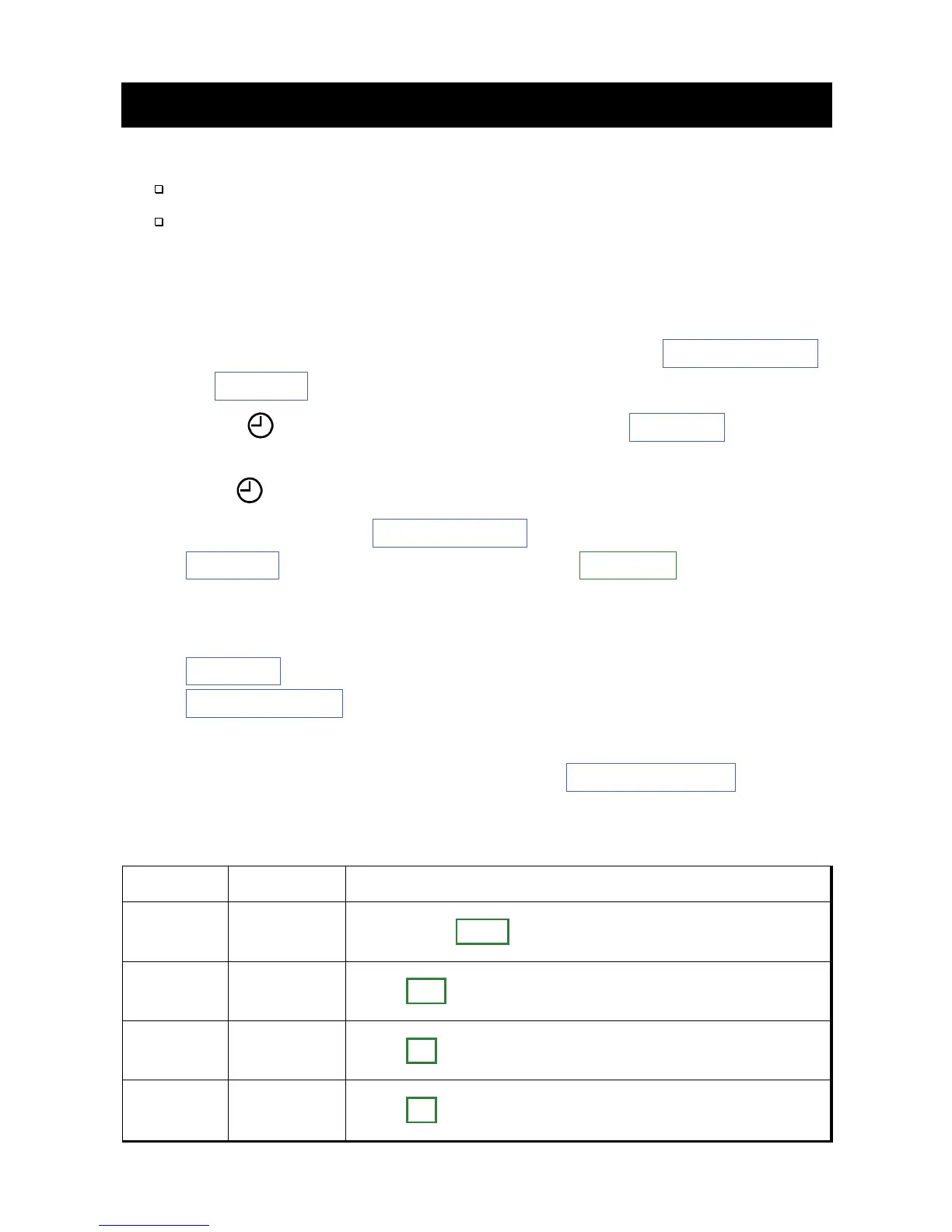
The initial settings can be configured using the following methods.
The method to use switches on the recorder.
The method to use
dedicated peripheral
that is connected to the
recorder using the USB cable.
Procedure of operation using switches
Step
1.
If the indication of the display is hidden, press the START/STOP
or EVENT switch to return to the display of waiting mode.
Step 2.
If the mark is shown, press and hold the EVENT switch for
3 seconds or more to suspend A-BPM.
The
mark turns off.
Step 3.
While holding the START/STOP switch, press and hold the
EVENT switch for 6 seconds or more. Display will display on
the OLED display.
Step 4.
Operation switches are as follows:
EVENT switch
.................
Change of the current parameter.
START/STOP switch
......
Decision, next item, end of settings.
Thereafter, use these switches in another items.
Step 5.
After configuring settings, press the START/STOP switch
to return to waiting mode.
Item OLED Range
Monitor
function
Display
xx
xx
= OFF, ON
Year
Clock
Year
xx
xx
= 17 to 99. Last two digits of year.
Month
Clock
Mon.
xx
xx
= 1 to 12 month
Day
Clock
Day
xx
xx
= 1 to 31 day


 To Next Page