56
To start data communication with dedicated peripheral
Step
1.
Connect the micro USB cable between the recorder and
dedicated peripheral
.
Step
2.
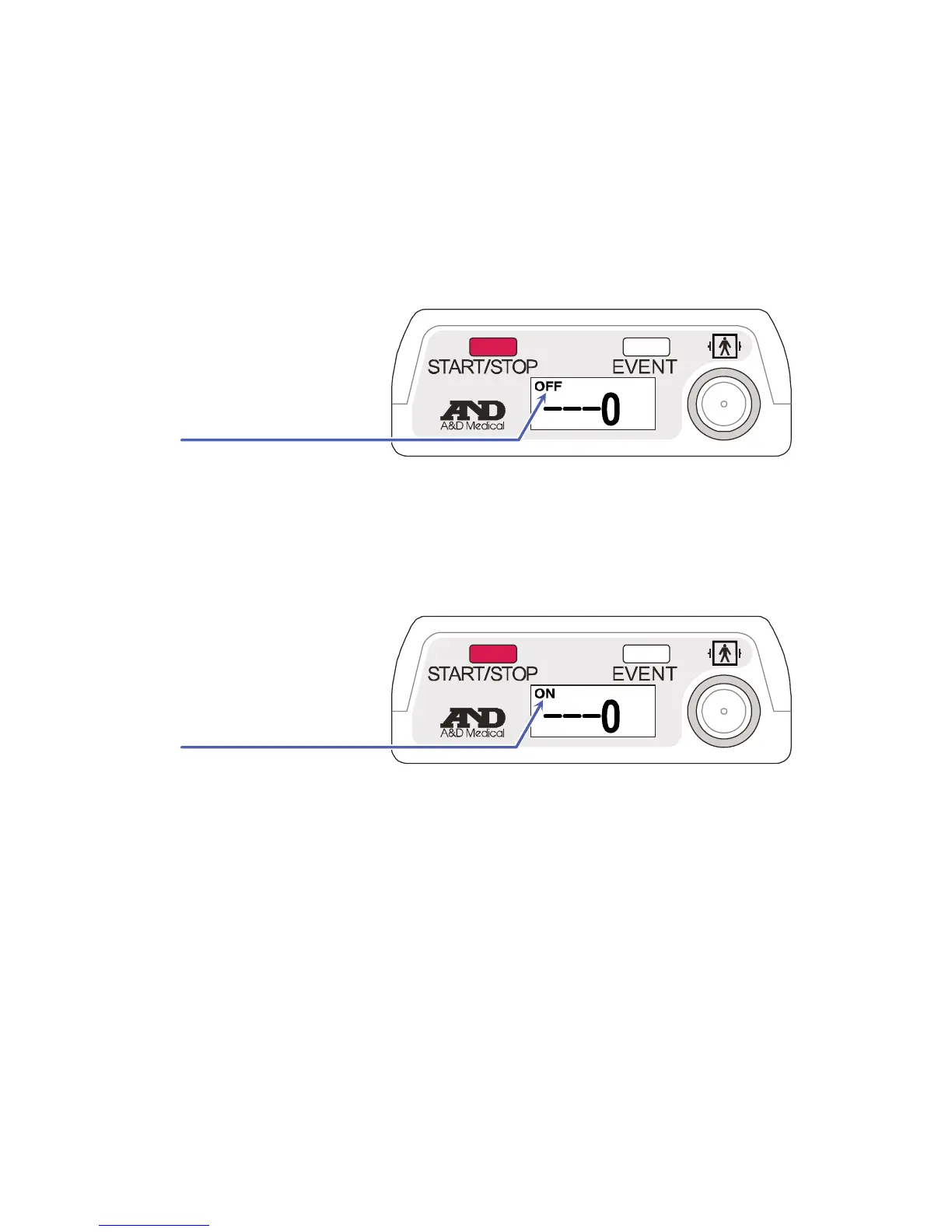
The buzzer will sound and the following symbol appears on
the OLED display.
The state of data communication enters standby mode.
Step
3.
Carry out analysis using the
dedicated peripheral
.
The state of data communication only enters active online mode
during USB communication.
To stop data communication with dedicated peripheral
Step 1.
Remove the cable in the standby mode.
Standby mode


 To Next Page