4
2. Measuring your blood pressure
1. Sit on a chair with you feet flat on the floor. Put
your arm on a table and relax your posture.
The cuff should be about the same level as your
heart.
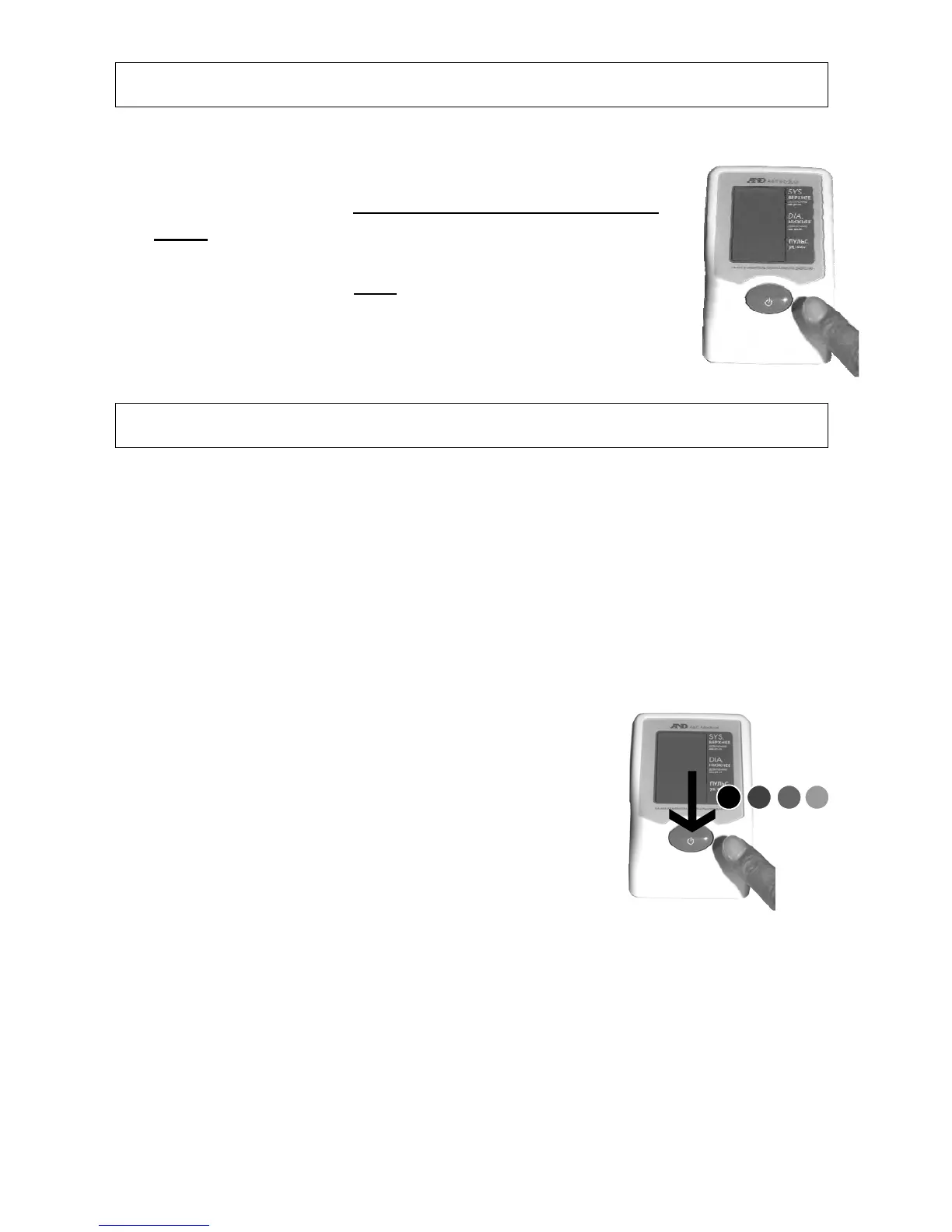
2. Press the START button to start the measurement.
3. Keep quiet and still until
the measurement is
complete.
3. Memory Recall
This blood pressure monitor memorizes measurement data
(Systolic, Diastolic and Pulse value) automatically after each
measurement is complete.
- Total No. of memory: 30 sets
- When the memory reaches maximum capacity, it deletes the
oldest memory data.
- All the memory data will be erased when the batteries are
removed from the monitor.
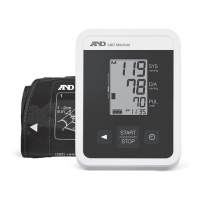
1. Press the START button and keep the
button depressed for approx. 3 seconds
until the “n01” mark appears on the display.
2. Stop depressing the button.
3. All the data shall be displayed automatically.
(Newest data will be displayed first)


 To Next Page