E-7
Select Measurement Unit
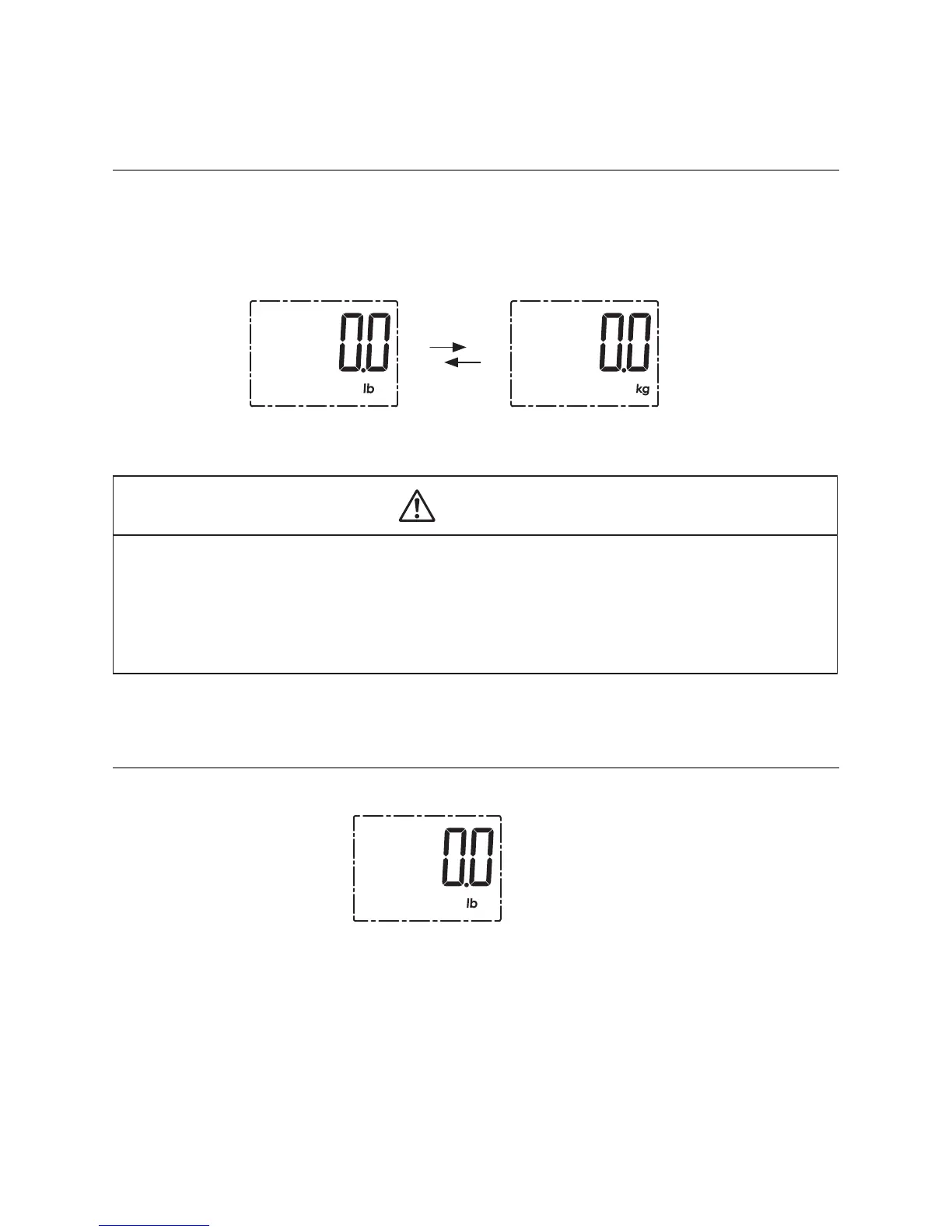
With batteries correctly installed, press “UNIT” button in the back of the scale to
select measurement unit. The default measurement unit is “lb”. You may press
“UNIT” button to choose among kilogram and pound.
CAUTION
• Please put the scale on at hard ground when nishing the unit selection.
Wait for a few seconds, then you may start measuring according to the
measuring procedure below. If there is not any operation in weighing mode,
the scale will turn off in a few seconds.
Initialising Your Scale
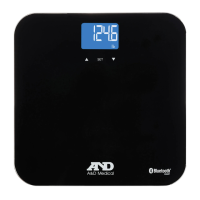
1. Press the platform centre and remove your foot.
2. “0.0” will be displayed.
3. The scale will switch off and is now ready for use. This initialisation process must
be repeated if the scale is moved. At all other times step straight on the scale.


 To Next Page