EasyManua.ls Logo

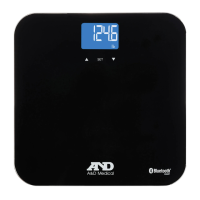
A&D UC-350BLE - User Manual

A&D UC-350BLE
16 pages
Print Icon
To Next Page IconTo Next Page
Loading...
E-1
Instruction Manual
Safety Information E-2
Overview E-4
Initial Start-Up E-6
Start Measuring E-9
Manage Your Health E-11
Troubleshooting E-12
Specications E-14
Maintenance E-15
Warranty E-15
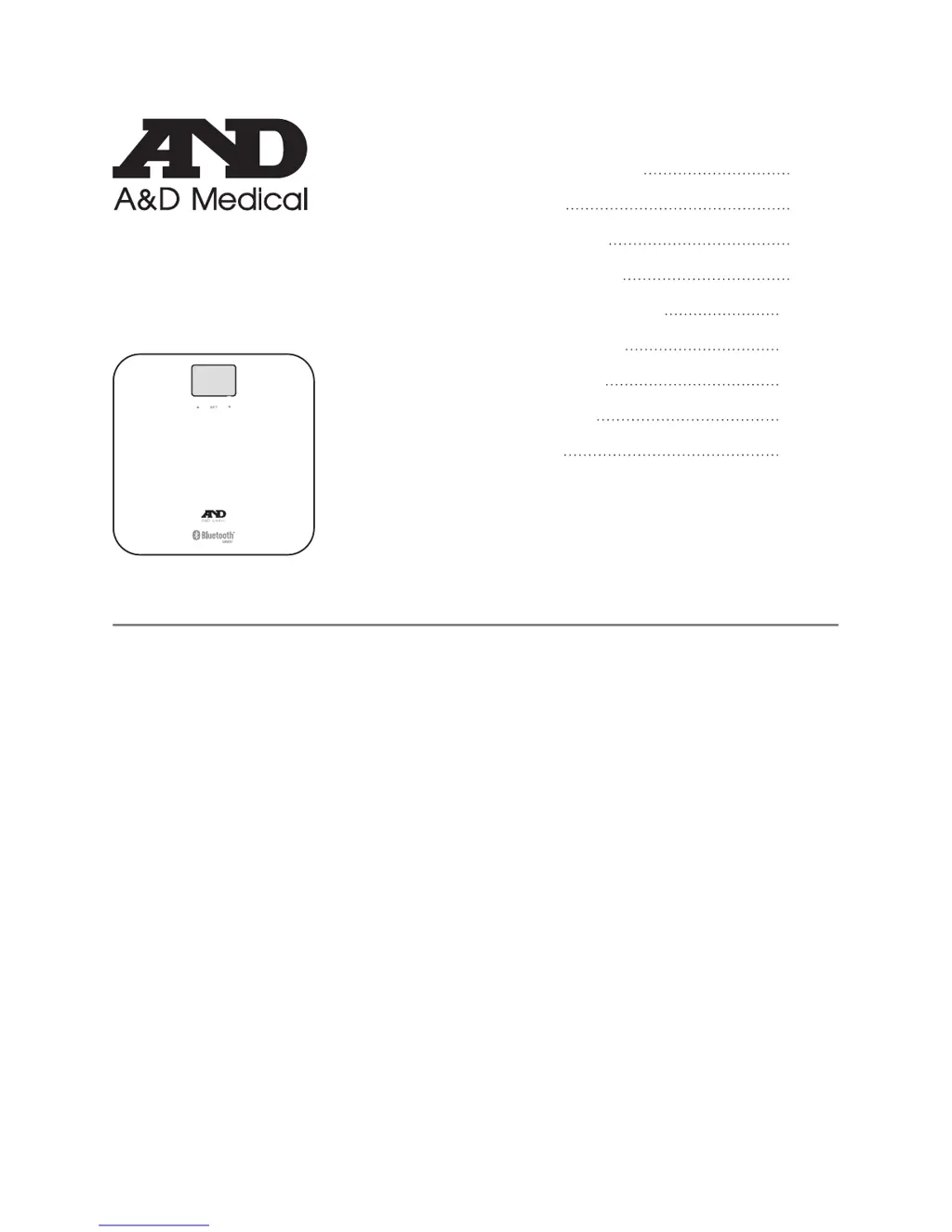
UC-350BLE
DELUXE CONNECTED
WEIGHT SCALE
Thank you very much for selecting the A&D Medical Deluxe Connected Weight
Scale UC-350BLE. Please do read the user manual carefully and thoroughly so
as to ensure the safe usage of this product, and keep the manual well for further
reference in case you have problems.

Questions and Answers

  • A
    Anna BaileyAug 3, 2025
    What to do if data transmission failed on A&D Scales?
    • M
      Michelle GilbertAug 4, 2025
      If data transmission fails on your A&D Scales, ensure that Bluetooth is turned on via settings. Also, make sure the app is running by pressing its icon to turn it on. If the issue persists, move your smartphone closer to the scale to ensure it's within Bluetooth range. Finally, verify that a User ID is assigned following the provided instructions.
  • B
    Brandon GuerreroAug 9, 2025
    Why A&D UC-350BLE Scales won't pair with smartphone or activate?
    • B
      Benjamin BrewerAug 10, 2025
      If your A&D Scales fail to pair with your smartphone or won't activate, please verify that Bluetooth is turned on, the app is running, and both devices are within the Bluetooth transmission range.
  • F
    Frank MarshAug 18, 2025
    What to do if A&D Scales displays overload and powers off?
    • S
      Stephen LeeAug 18, 2025
      If your A&D Scales indicates an overload and powers off, stop using the scale for measurement.
  • O
    oevansAug 26, 2025
    What to do if A&D Scales displays low battery and powers off?
    • B
      Becky WilsonAug 26, 2025
      If your A&D Scales displays a low battery warning and powers off, replace all four batteries simultaneously. Ensure you purchase authorized batteries for replacement.

Summary

Safety Information

Symbol Meaning

Explains symbols used in the manual and on the device for safety.

Scale and Environment Precautions

Advises on avoiding specific environments and conditions for scale usage and storage.

Efficient Measurement Practices

Provides instructions for accurate weight measurements, including surface and timing.

Overview

Device Components

Identifies and illustrates the physical parts of the weight scale.

LCD Display Symbols

Explains the meaning of various icons and indicators shown on the scale's LCD.

Initial Start-Up

Insert the Batteries

Step-by-step guide on how to correctly insert batteries into the scale.

Bluetooth Pair-Up Process

Instructions for pairing the scale with a smartphone via Bluetooth.

Select Measurement Unit

Guide on changing the weight unit between kilograms and pounds.

Initialising Your Scale

Process for initializing the scale before first use or after moving it.

Start Measuring

Weight Only Operation

How to use the scale for basic weight measurement without advanced features.

Assigning User ID

Steps to set up a personal user profile for tracking measurements.

Manage Your Health

Data Transmission to App

Explains how weight data is automatically transferred to the smartphone app.

Troubleshooting

Error Prompts and Solutions

Lists common error messages, their descriptions, and suggested solutions.

Data Transmission Problems

Addresses issues related to data transmission failure and their root causes.

Specifications

Maintenance

Warranty

A&D UC-350BLE Specifications

General IconGeneral
BrandA&D
ModelUC-350BLE
CategoryScales
LanguageEnglish

Related product manuals